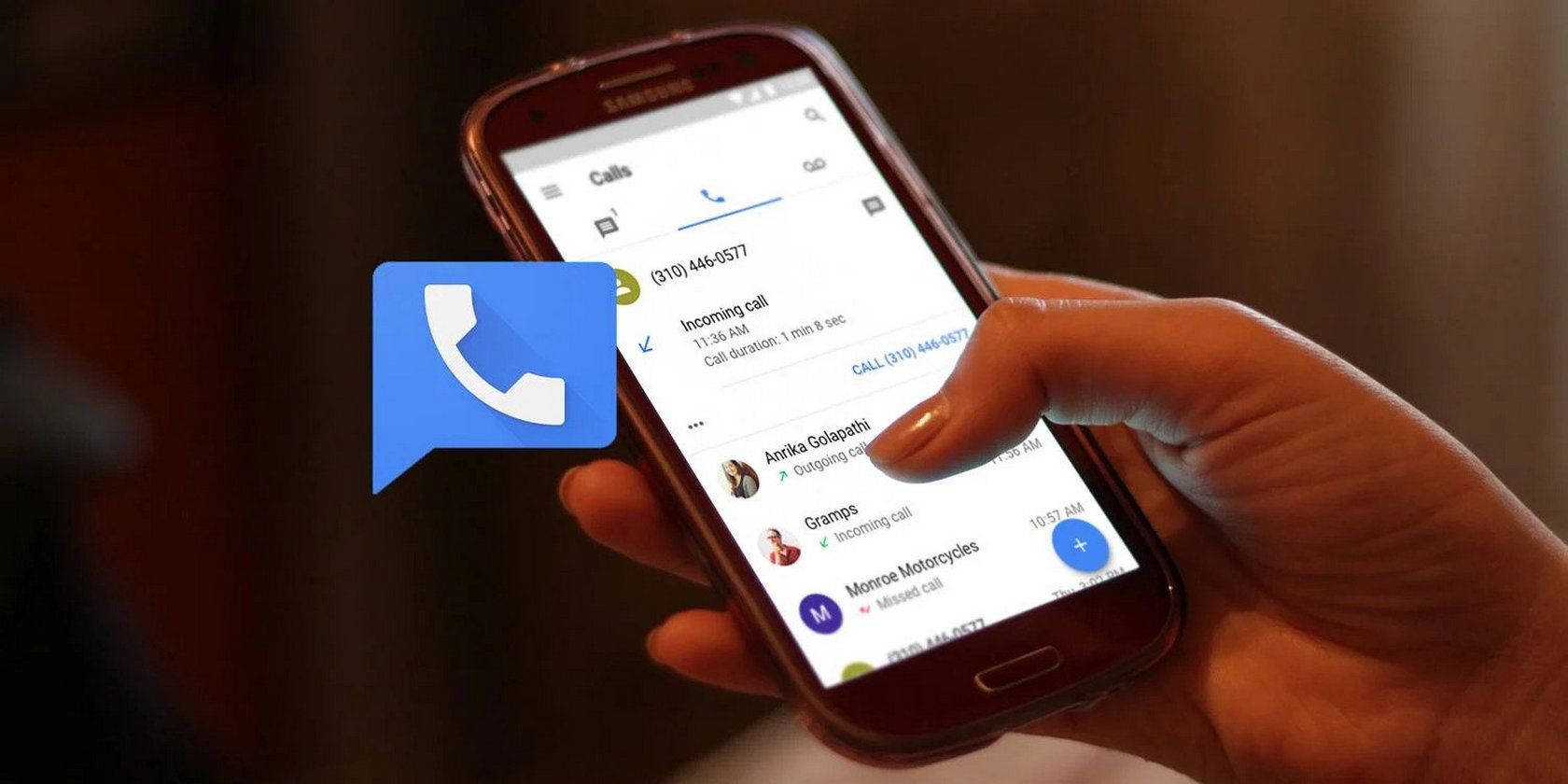
Google Voice works on a cell phone by linking your existing phone number to a Google managed number that centralizes your communication. It uses an internet connection to enable texting, calling, and voicemail.
Google Voice transforms how we manage telecommunications, integrating multiple devices and services under one umbrella. This innovative solution provides convenience and organizational benefits by allowing you to use one number across various devices, making it a must-have tool for busy professionals and anyone looking to streamline their communication.
By using your cell phone’s data connection or Wi-Fi, Google Voice offers an array of features including free domestic calls, affordable international rates, transcribed voicemail, and robust call handling. Its user-friendly setup ensures quick access to a more flexible and controlled calling experience. Whether you’re an entrepreneur, a freelancer, or simply seeking more efficiency in your everyday communications, Google Voice on your cell phone offers a level of integration and convenience that can significantly improve your connectivity.

Welcome to the era of seamless communication with Google Voice. In this digital age, staying connected is crucial, and Google Voice emerges as a game-changing service. Let’s dive into understanding this innovative feature.
What Is Google Voice?
Google Voice is a powerful tool from Google. It gives you a phone number for calling, text messaging, and voicemail. It works on smartphones and the web so you can place and receive calls from anywhere.
- Free to use: It generally costs nothing.
- One number: Use one Google Voice number across all your devices.
- Voicemail transcription: It turns your voicemails into text.
The Evolution Of Communication
The way we talk to each other has changed a lot. Long ago, we had letters. Then came phones. Now, we have the internet. Google Voice is the next step. It lets us talk or text without a traditional phone line.
| Stage | Medium |
|---|---|
| 1 | Letters |
| 2 | Landline Phones |
| 3 | Mobile Phones |
| 4 | Internet-based Communication |
| 5 | Google Voice |
Google Voice Functionality
Imagine making calls, sending texts, and handling voicemails all in one place, without juggling multiple devices. Google Voice turns this into reality on your cell phone. This powerful tool integrates communication channels seamlessly. Let’s explore how it enhances your phone experience.
Setting Up Google Voice On A Cell Phone
Getting started with Google Voice is a breeze. Follow these simple steps:
- Download the Google Voice app from your app store.
- Sign in with your Google account or create one if needed.
- Select a new phone number or use your existing mobile number.
- Verify your current number for security and backup.
- Customize settings according to your preferences.
Congrats! You’re now ready to use Google Voice.
Key Features That Enhance User Experience
Google Voice is packed with features that simplify communication:
- Smart Call Forwarding: Redirects calls to linked numbers.
- Voicemail Transcription: Converts voicemail to text.
- Text from Any Device: Send messages from phones, tablets, or computers.
- Personalize Greetings: Tailor voicemail greetings to the caller.
- International Calling: Make overseas calls at competitive rates.
| Feature | Description | Benefit |
|---|---|---|
| Smart Call Forwarding | Redirects to different numbers | Never miss a call |
| Voicemail Transcription | Converts to text format | Read voicemails quickly |
| Send Texts from Anywhere | Use different devices | Stay connected always |
Making Calls And Messaging
Understanding how Google Voice works on a cell phone is key to unlocking seamless communication. The platform merges the flexibility of digital communication with the traditional feel of a phone call or SMS. Let’s dive into the specifics of making calls and managing messages with Google Voice.
The Process Of Making Calls
Using Google Voice to make calls is straightforward:
- Install the Google Voice app on your Android or iPhone.
- Sign in with your Google account.
- Tap the ‘Calls’ section and enter a number or select a contact.
- Press the ‘Call’ button to start the call.
Google Voice uses your data connection, be it Wi-Fi or mobile data, to place the call. It can also connect using your carrier number if you’ve set it up this way.
Sending Texts And Managing Messages
Sending texts is just as effortless:
- Open the Google Voice app.
- Select the ‘Messages’ tab.
- Tap on ‘Send a message’ to type your text.
- Choose a contact or enter a number, then hit ‘Send’.
Message management in Google Voice is also intuitive, allowing for easy search and archiving of conversations. Users can:
- Archive threads to clean up the inbox without deleting them.
- Search for specific messages using keywords.
- Block numbers to prevent unwanted messages and calls.
All texts sent or received through Google Voice sync across devices when signed in to the same Google account. This ensures access on any device, at any time.
Advantages And Limitations
Discover the benefits and challenges of using Google Voice on cell phones. This tool has unique features. Learn all about its pros and cons.
Seamless Integration With Devices
Google Voice shines in its ability to merge with your personal gadgets. It shapes mobile communication well. Users enjoy a host of advantages:
- One Number, Multiple Devices: Use your Google Voice number across tablets, phones, and laptops.
- Synced Across Platforms: Your texts and voicemail stay updated on all devices.
- Smartphone App: Access calls, messages, and voicemail through a user-friendly app.
- Carrier Independence: Switch carriers without changing numbers. It is stress-free.
- Multitasking: Using Google Voice on a PC enables multitasking capabilities, allowing you to handle multiple conversations simultaneously while still being able to access other applications and resources on your computer.
- Web-Based Interface: Google Voice for PC operates through a web-based interface, eliminating the need for software downloads or installations. This makes it accessible from any web browser, providing flexibility and convenience for users across different devices and operating systems.
- Cost-Effectiveness: Google Voice offers cost-effective communication solutions, particularly for international calls and messaging. By utilizing Google Voice on your PC, you can take advantage of affordable rates for both domestic and international communication, reducing communication expenses for personal or business use.
- Call Recording and Screening: Google Voice for PC offers features such as call recording and call screening, empowering users to manage their communication preferences effectively. These tools can be particularly beneficial for business users who require documentation or screening of incoming calls.
Potential Drawbacks And User Concerns
Despite its benefits, Google Voice has limitations users should note:
| Limited Emergency Calls | Data Dependency | Privacy Questions |
|---|---|---|
| No direct 911 calls via Google Voice. | Needs stable internet for all features. | Data and calls go through Google servers. |
Users have concerns about these drawbacks. Emergency call support is lacking. Dependence on internet quality can obstruct usage. Privacy-aware users worry about data handling.
Frequently Asked Questions Of How Does Google Voice Work On A Cell Phone?
Is Google Voice Free On My Phone?
Yes, Google Voice is free on your phone for standard U. S. calls and texts. International rates apply for other calls.
Does Google Voice Show Your Real Number?
Google Voice allows you to choose a unique number; your real phone number isn’t displayed when you make calls or send texts through the service.
How Do I Use Google Voice On My Regular Phone?
Download the Google Voice app from your app store. Sign in with your Google account. Follow setup instructions to link your phone number. Start making calls or sending texts using the app.
Why Would Someone Use Google Voice?
Someone might use Google Voice for a free phone number, low-cost international calls, voicemail transcription, and seamless integration with other Google services. It offers easy management of calls across multiple devices.
Conclusion
Understanding Google Voice on cell phones is straightforward. This innovative service integrates seamlessly with smartphones, offering flexibility and functionality. Users enjoy cost-effective communication that embraces modern needs. Harnessing Google Voice is smart for staying connected in the digital age. Ready to dial into efficiency?
Embrace Google Voice today.