
Yes, you can print transparencies on an inkjet printer if it supports this feature and you use the appropriate transparency film. Make sure to adjust the printer settings for the best quality output.
Many inkjet printers offer the versatility to print on a variety of media, including transparencies. Printing transparencies allows users to produce overlays for presentations, craft projects, and more. The key to successful transparency printing lies in using the correct type of film designed for inkjet printers, which is coated to receive and retain the ink without smearing.
To ensure a professional-looking result, it’s crucial to select the ‘transparency’ mode in your printer settings before printing. This adjusts the printer’s operations to accommodate the unique requirements of transparency film, such as slower drying times and precise ink application. Always refer to your printer’s manual for specific instructions and compatibility advice to achieve the optically clear and sharp images that transparencies can provide.
Transparencies And Inkjet Printers
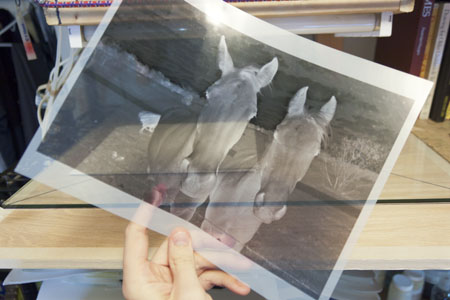
Transparencies and Inkjet Printers offer a unique duo in the realm of printing. This partnership beams with potential for producing vibrant visuals for presentations, overlays for reports, or craft projects. Yet, the question at hand, “Can you print transparencies on an inkjet printer?” unlocks the door to a world of printing possibilities—and some necessary know-how.
Compatibility Between Transparencies And Inkjet Technology
Understanding the blend of transparencies and inkjet printer capabilities is key to successful prints.
- Not all inkjet printers work with transparency film.
- Select transparencies labeled ‘inkjet compatible’.
- Check your printer’s manual for specific transparency instructions.
Key Differences In Printing On Paper Vs. Transparencies
Switching from paper to transparencies involves a few adjustments:
| Paper Printing | Transparency Printing |
|---|---|
| Ink dries quickly on paper. | Ink takes longer to dry on transparencies. |
| No need for special paper settings. | Printer settings must match transparency film. |
| Paper absorbs ink. | Film allows ink to sit on the surface. |
Picking the right type of transparency sheets and adjusting your printer settings ensures the magic shines through in every print.
Selecting The Right Materials
An essential part of successful transparency printing with your inkjet printer involves selecting appropriate materials. Not just any sheet or ink will do. Each choice in the printing process influences the clarity, durability, and quality of the final output. Let’s dive into the right materials for top-notch results.
Types Of Transparent Sheets For Inkjet Printers
Transparency sheets, specifically designed for inkjet printers, come in various forms. Understand their differences to choose wisely.
- Clear Transparencies: These are perfect for crisp and vibrant presentations.
- Milky Transparencies: With a slightly frosted look, they reduce glare and enhance readability.
- Adhesive-Backed: These sheets stick to surfaces, ideal for labels or stickers.
- Rigidity: Sturdier sheets prevent jams and make handling easier.
Ink Choices For Optimal Transparency Printing
The right ink ensures that your prints remain sharp and smudge-free. Consider the following options:
| Type of Ink | Benefits |
|---|---|
| Dye-Based Ink | Vibrant colors, ideal for graphics and images |
| Pigment-Based Ink | Long-lasting prints, resistant to water and UV rays |
| Hybrid Ink Systems | Combines the best of both, offering vibrancy and durability |
Select ink that is compatible with your printer and meets your project’s durability requirements. Your final artwork deserves nothing less than a print that stays true to its original brilliance.
Preparing For Printing
Preparing for printing on transparencies with an inkjet printer?
It’s a task that requires a bit of know-how to ace.
Breathe life into stunning visuals and crisp text on transparent sheets, right from your home or office.
Setting Up An Inkjet Printer For Transparency Printing
First things first, let’s gear up your inkjet printer for a smooth transparency printing adventure. Think of it as prepping your printer for a specialty job.
Customize your printer settings:
- Select the highest resolution for top-notch clarity.
- Choose the ‘Transparency’ or ‘Photo Paper’ option under ‘Media Type.’
Stay updated:
- Ensure your printer drivers are current for the best performance.
Do a test run:
- Print a draft on regular paper first to ensure your design is in tiptop shape.
| Step | Action |
|---|---|
| 1 | Check ink levels and cartridge health. |
| 2 | Configure printer properties as needed. |
| 3 | Align your printer for the best outcome. |
Best Practices For Loading And Handling Transparencies
Getting that crisp and clear printout is all about technique.
Keep it clean:
- Handle transparencies by the edges to avoid fingerprints.
- Use lint-free gloves for extra care.
Load it right:
- Insert one sheet at a time to prevent jams.
- Align the transparency film correctly with the proper side facing up.
- Double-check the feeding tray alignment marks.
Prevent smudging:
- Allow prints to dry completely before handling.
- Avoid stacking fresh prints on top of each other.
Now that you’re equipped with this critical information, you’re ready to produce stunning, transparent prints that impress!
Printing And Post-printing Tips
Turning digital designs into physical reality on transparencies is not only possible with inkjet printers but also quite straightforward when you know the right steps. Here are some expert tips to ensure a flawless printing process every time.
Troubleshooting Common Inkjet Transparency Printing Issues
Encountering issues while printing on transparencies with an inkjet printer? Not to worry – most problems have simple fixes. Below are some tips:
- Ink not drying? Give it more time or try using a hairdryer on a low setting.
- Printer not feeding the transparency? Tape an edge to a regular sheet of paper to provide thickness.
- Prints too faint? Adjust the printer settings to a higher quality mode.
- Smudges on the print? Double-check that the printer’s path is clean, and avoid touching the inked side.
Ways To Preserve And Use Printed Transparencies Effectively
To ensure your printed transparencies stand the test of time and can be used effectively:
- Store them properly. Keep in a flat, cool, and dry place to prevent warping.
- Handle with care. Use the edges to avoid fingerprints on the transparent area.
- Seal if necessary. For added protection, consider laminating the printed transparencies.
- Use appropriate projectors. Ensure your projector is suited for transparency use.
Frequently Asked Questions To Print Transparencies On An Inkjet Printer
Can A Regular Printer Print Transparencies?
Yes, many regular printers can print on transparencies, but you must use the correct type compatible with your printer (either inkjet or laser). Always check your printer’s manual to confirm capability and settings.
What Printer Can Print Transparencies?
Inkjet and laser printers with a transparency setting can print on transparency film. Select a model designed for this purpose to ensure high-quality, clear prints.
Can You Print Transparencies On Hp Printer?
Yes, many HP printers can print on transparencies. Ensure you select the correct media type settings and use compatible transparency sheets.
Can Inkjet Printer Print On Plastic Sheet?
Yes, inkjet printers can print on plastic sheets, but you need to use sheets specially coated for inkjet printing to ensure the ink adheres properly.
Conclusion
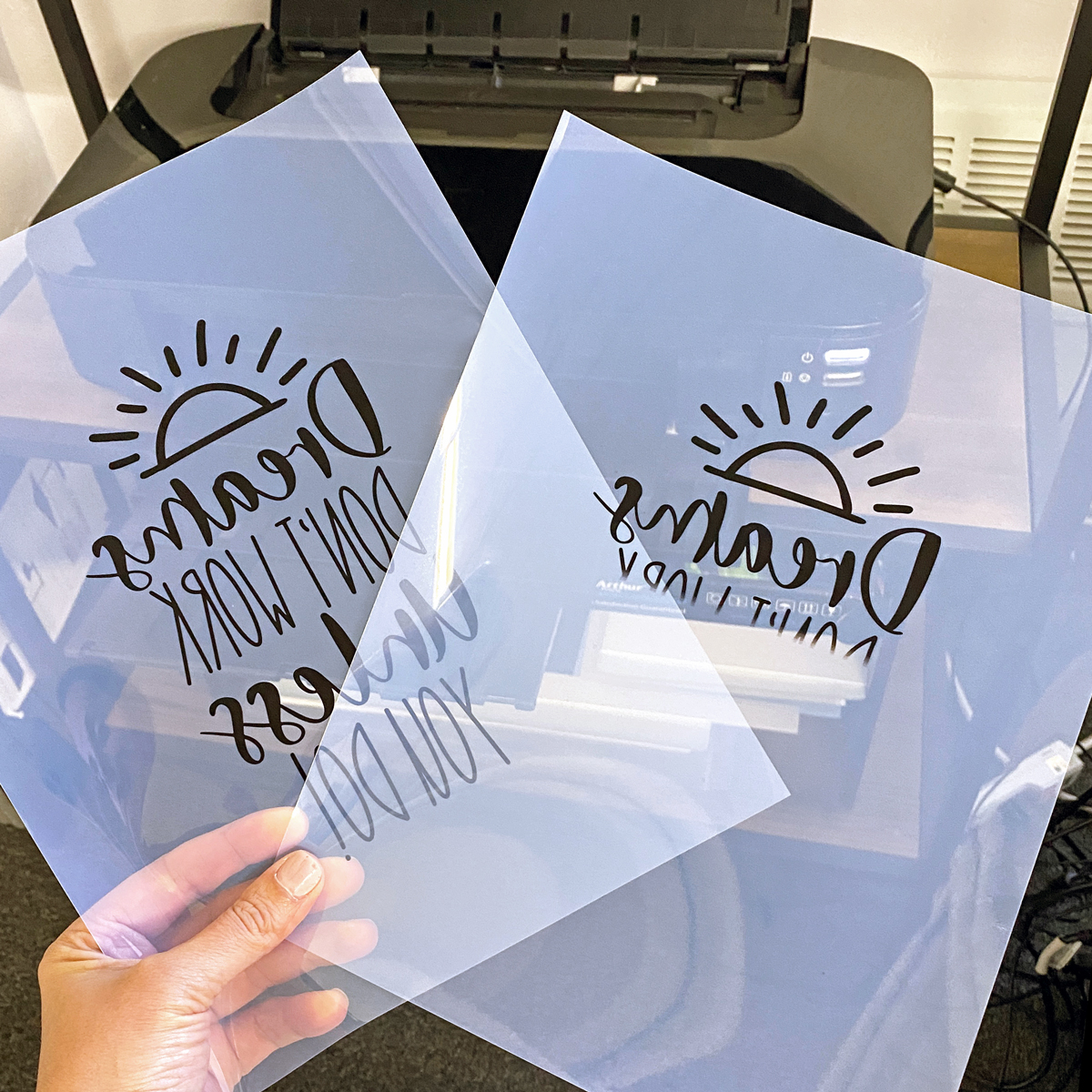
To sum up, printing transparencies on inkjet printers is not only possible but highly effective with the right materials and settings. Ensuring your printer can handle the transparency media and adjusting print preferences are key steps. With these measures in place, you can achieve sharp, professional-looking prints on transparencies for a variety of creative and professional uses.