Yes, there are a few downsides to using an SSD for storage in a gaming laptop, including less storage capacity compared to HDDs. However, SSDs offer faster load times, smoother gameplay, and improved graphics, making them a preferred choice for gamers.
Additionally, SSDs have no moving parts, reducing the risk of data loss. Their compact design also makes them perfect for laptops and other small electronic devices. Overall, while SSDs may have some limitations in terms of storage capacity, their advantages in performance and reliability make them a desirable option for gaming laptops.
1. Limited Storage Capacity
One of the main downsides of using an SSD for storage in a gaming laptop is the limited storage capacity it offers compared to traditional HDDs. SSDs typically have smaller storage capacities, which means that gamers may need to manage their game library more carefully.
Gamers who have a large collection of games may find it challenging to fit all their games onto an SSD. This limitation might require them to prioritize which games they want to have readily accessible on their gaming laptop and which ones they can store on an external storage solution or uninstall when not in use.
Managing game installations and uninstallations efficiently becomes crucial for gamers with SSDs. They need to carefully consider the storage requirements of each game before installing it, ensuring that they have enough space available.
While SSDs offer incredible speed and performance benefits for gaming, it’s important to keep in mind that the limited storage capacity can be a trade-off that gamers need to consider when choosing an SSD for their gaming laptop.
2. Higher Cost
While there are numerous advantages to using an SSD for storage in a gaming laptop, one downside that gamers need to consider is the higher cost compared to traditional HDDs. SSDs tend to be more expensive due to their advanced technology and faster performance.
Unlike HDDs, which use spinning disks and mechanical components to read and write data, SSDs utilize NAND flash memory. This not only results in faster load times and improved gameplay but also reduces the risk of losing games and saves due to physical damage.
However, the increased performance and reliability of SSDs come at a price. Gamers who opt for an SSD for their gaming laptop may need to weigh the cost against the performance benefits they seek.
It’s important to note that the cost difference between SSDs and HDDs has decreased over the years as SSD technology has become more prevalent. Additionally, with advancements in storage technology, SSD prices are gradually becoming more affordable.
Despite the higher cost, many gamers find that the improved speed and overall gaming experience provided by SSDs are well worth the investment. SSDs not only reduce loading times but also offer smoother gameplay, improved graphics, and enhanced overall system performance.
In summary, while SSDs tend to be more expensive than HDDs, gamers may need to evaluate whether the performance benefits outweigh the cost. SSDs provide faster load times, increased reliability, and a better overall gaming experience, making them a popular choice among gaming enthusiasts.
3. Limited Lifespan
While SSDs offer numerous advantages for gaming laptops, there are a few downsides to consider. One of the main concerns is the limited lifespan of SSDs. Understanding the potential drawbacks will help users make informed decisions when it comes to storage options.
SSDs have a limited number of write cycles
Unlike traditional hard drives (HDDs) that use spinning disks, SSDs use NAND flash memory to store data. While this technology allows for faster read and write speeds, it also means that SSDs have a finite number of write cycles. Each time data is written to the SSD, it contributes to the wear and tear of the memory cells.
This limited number of write cycles can be a concern for heavy users, such as gamers who frequently install and uninstall games or perform frequent data transfers. It’s important to note, however, that modern SSDs have significantly improved longevity and can handle a large number of write cycles before reaching their rated lifespan.
Continuous writing or heavy usage can reduce the lifespan of an SSD
If users continuously write data to an SSD or subject it to heavy usage, it can potentially reduce the lifespan of the drive. This is because each write operation incrementally wears down the memory cells. However, for the average gaming laptop user, this is unlikely to be a major concern.
To put things into perspective, modern SSDs can handle terabytes of data written to them before experiencing any significant performance degradation. This means that for most users, the limited lifespan of an SSD is not a major drawback and should not deter them from enjoying the benefits it offers.
Users may need to monitor and manage their SSD usage to prolong its lifespan
To ensure the longevity of an SSD, it’s recommended for users to monitor and manage their usage. While modern SSDs incorporate wear-leveling algorithms to distribute writes evenly across the drive, it’s still important for users to avoid excessive writing and perform regular maintenance.
Monitoring SSD usage can be done through various software tools that provide insights into write cycles, drive health, and remaining lifespan. Users can also take precautions such as minimizing unnecessary writes, regularly updating firmware, and performing periodic TRIM operations to optimize the drive’s performance and prolong its lifespan.
By taking these simple steps, users can help maximize the lifespan of their SSD and continue to enjoy the benefits it offers for their gaming laptop.
4. Data Security Concerns
When it comes to using an SSD for storage in a gaming laptop, there are several factors to consider, including data security concerns. While SSDs offer numerous advantages in terms of speed and performance, it’s important to be aware of potential risks and challenges when it comes to securely erasing data.
SSDs can be more challenging to securely erase than HDDs
One of the downsides of using an SSD for storage in a gaming laptop is that securely erasing data from an SSD can be more challenging compared to traditional HDDs. Unlike HDDs, which allow for physical destruction of the disk to ensure data cannot be recovered, SSDs use flash memory technology, making it difficult to completely erase data.
Due to the way SSDs store data, a simple file deletion or formatting the drive may not be sufficient to completely remove sensitive information. This poses a potential security risk, as data could potentially be recovered even after it has been deleted or formatted.
Proper data sanitization may require specialized tools or software
Properly sanitizing an SSD to ensure the complete removal of data may require specialized tools or software. Unlike HDDs, which can be securely wiped using built-in operating system utilities, SSDs may require specific techniques to overwrite data effectively.
There are specialized tools and software available that can help with data sanitization on SSDs, such as secure erase utilities provided by the SSD manufacturer or third-party software solutions. These tools help to overwrite the entire drive with random data, making recovery virtually impossible.
Users should be aware of the potential risks when disposing or selling their SSDs
Another important consideration when using SSDs for storage in gaming laptops is the potential risks associated with disposing or selling the SSD. If not properly sanitized, data could be recovered by unauthorized individuals, potentially leading to privacy breaches or identity theft.
Before disposing or selling an SSD, it is crucial to ensure that all sensitive data has been securely erased. This includes not only game files but also personal information, such as login credentials or financial data.
It is recommended to follow proper data sanitization procedures, including using specialized tools or software to securely wipe the SSD. Additionally, physically destroying the SSD can provide an added layer of security.
In conclusion, while SSDs offer numerous benefits for storage in gaming laptops, such as improved speed and performance, it is important to be aware of the potential data security concerns. Ensuring proper data sanitization and taking necessary precautions when disposing or selling the SSD can help mitigate these risks and protect sensitive information.
5. Compatibility Issues
When it comes to using an SSD for storage in a gaming laptop, there may be some compatibility issues that users need to be aware of. Not all gaming laptops are equipped with SSD compatibility or support, which means that users may need to ensure that their laptop can accommodate an SSD before making the switch. This can be done by checking the laptop’s specifications or consulting the manufacturer’s website for compatibility information.
Not all gaming laptops may have SSD compatibility or support
It is important to note that not all gaming laptops may have SSD compatibility or support. Some older models or budget-friendly options may only be equipped with traditional hard disk drives (HDDs) for storage. Therefore, if you are considering upgrading to an SSD, it is crucial to check your laptop’s specifications and ensure that it can accommodate an SSD.
Users may need to ensure that their laptop can accommodate an SSD before making the switch
Prior to making the switch to an SSD, users need to ensure that their laptop can accommodate this form of storage. This may involve checking the laptop’s specifications or consulting the manufacturer’s website for compatibility information. Some laptops may require specific connectors or interfaces to connect an SSD, so it is essential to confirm whether your laptop supports these requirements.
Upgrading may require additional hardware or software adjustments
Upgrading a gaming laptop from an HDD to an SSD may require additional hardware or software adjustments. This could include purchasing an SSD bracket or adapter to fit the SSD into the laptop’s storage bay, or installing additional software to optimize the performance and functionality of the SSD. It is important to research the specific requirements for your laptop model and ensure that you have all the necessary components and software before attempting the upgrade.
In conclusion, while using an SSD for storage in a gaming laptop offers numerous benefits, such as faster load times and improved system responsiveness, there are compatibility issues that users need to be aware of. Not all gaming laptops may have SSD compatibility or support, and upgrading to an SSD may require additional hardware or software adjustments. Therefore, it is important to thoroughly research and ensure that your laptop is compatible before making the switch to an SSD.
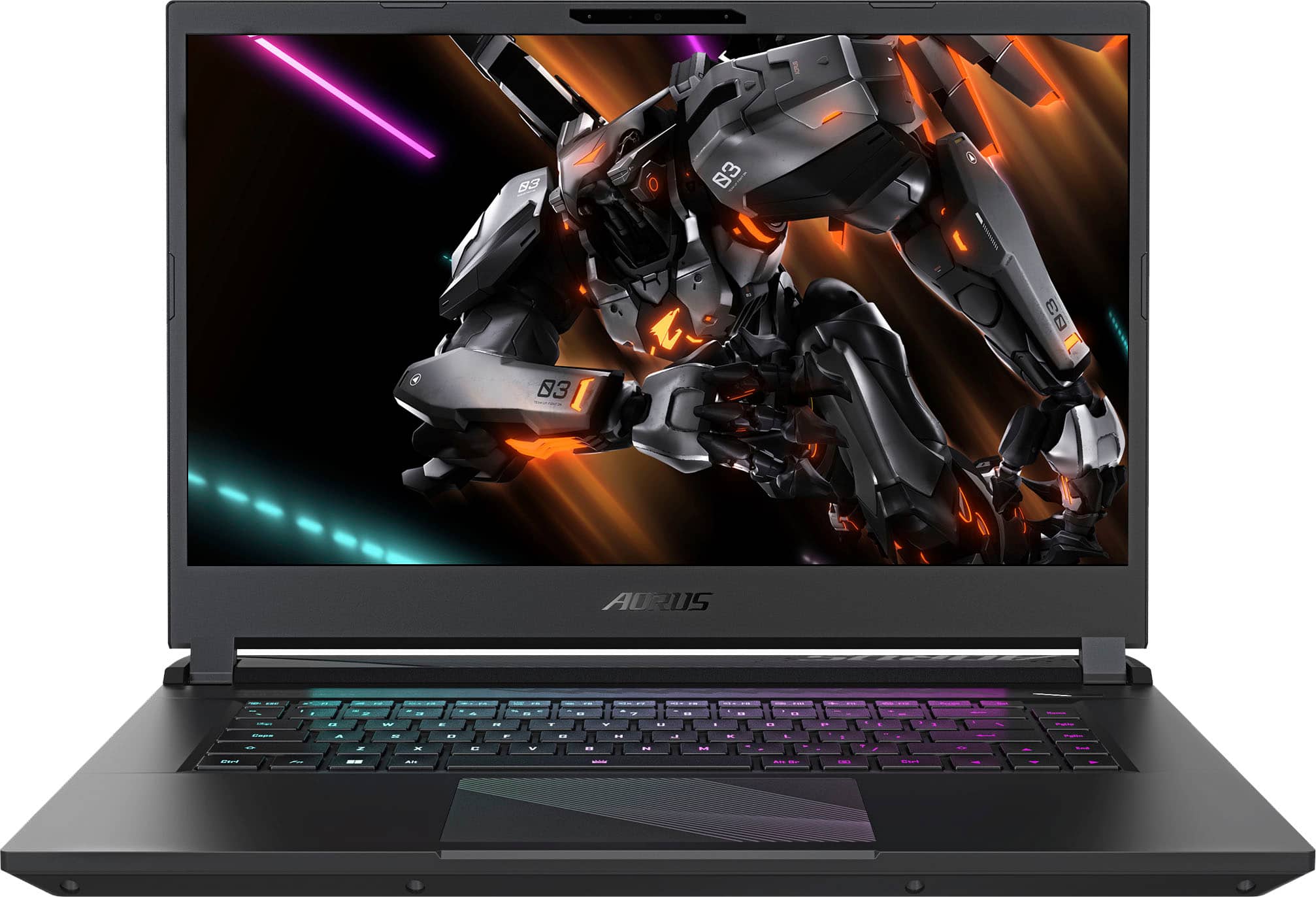
Frequently Asked Questions Of Are There Any Downsides To Using An SSD For Storage In A Gaming Laptop?
Is SSD Good For Gaming Laptop?
Yes, SSDs are good for gaming laptops. They provide faster load times, smoother gameplay, and improved graphics compared to HDDs. SSDs also have a smaller size, weigh less, and make less noise. The only downside is that they typically have less storage capacity than HDDs.
Does SSD Storage Affect Gaming?
SSD storage positively affects gaming with faster load times, smoother gameplay, and improved graphics. There are no downsides to using an SSD for storage in a gaming laptop.
Should I Use SSD Or HDD For Gaming?
SSDs are recommended for gaming due to their faster load times, smoother gameplay, and improved graphics. They do not have physical parts, reducing the risk of data loss. However, SSDs typically have less storage capacity compared to HDDs.
Is SSD Storage Good For Laptop?
SSD storage is good for laptops because it is lighter, produces no noise, and provides faster load times and smoother gameplay. However, the downside is that SSDs typically have less storage capacity compared to HDDs.
Conclusion
Overall, using an SSD for storage in a gaming laptop has numerous advantages such as faster load times, smoother gameplay, and improved graphics. However, there are a few downsides to consider. One of the main drawbacks is the relatively limited storage capacity compared to HDDs.
Additionally, SSDs can be more expensive than traditional hard drives. Despite these downsides, the performance benefits of using an SSD make it a worthwhile investment for gamers looking to enhance their gaming experience.