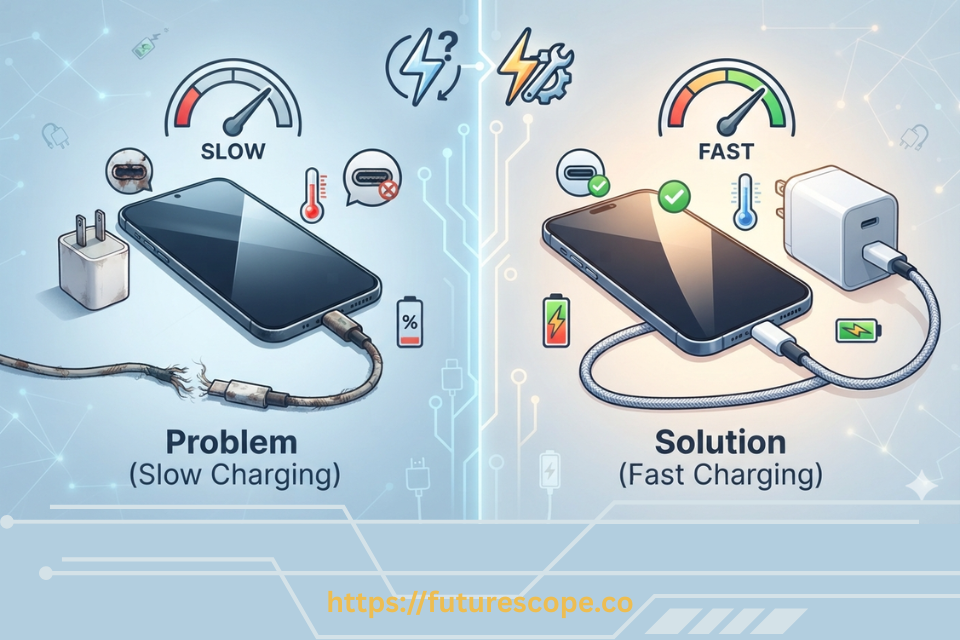

Your phone used to charge fast, and now it’s crawling — 20 minutes plugged in and barely a few percent to show for it. Nothing about your routine changed, so it’s easy to assume something’s broken. Most of the time, though, it’s something small and fixable. Let’s go through the usual suspects.
Common Reasons for Sudden Slow Charging
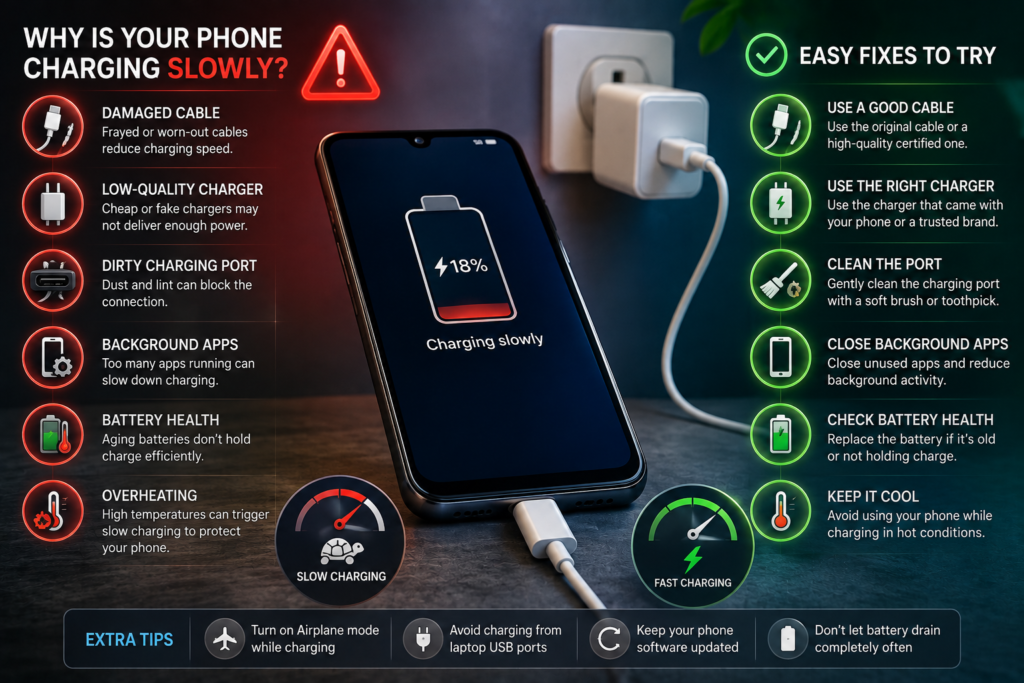
A sudden slowdown usually traces back to one of these:
- A damaged or low-quality cable.
- A weak, faulty, or mismatched charger.
- Dust or debris in the charging port.
- The phone overheating during charging.
- Declining battery health.
- A software glitch or background app activity.
- Charging from a lower-power source, like a laptop or car USB port.
Work through the checks below in order — most people find the cause in the first few steps.
Checking the Charger, Cable, Outlet, and Port
Before assuming anything is seriously wrong, isolate which part of the setup is actually responsible.
- Try the same cable and charger on another phone, if possible, to see if the slow charging follows.
- Try a different cable with your usual charger.
- Try your usual cable with a different charger.
- Plug into a different wall outlet, in case the outlet itself is underpowered or faulty.
- If possible, try a completely different charger and cable combination altogether.
Whichever combination restores normal charging speed tells you where the actual problem is.
Why Fast Charging Slows Near a High Battery Percentage or When Hot
Sometimes slow charging isn’t a problem at all — it’s the phone protecting itself.
- Most phones charge quickly up to around 80%, then intentionally slow down as the battery approaches full, to reduce stress on the battery.
- If your phone feels warm, charging speed is often automatically reduced to prevent overheating, especially during fast charging.
- This kind of slowdown is normal and by design — it’s most noticeable if you’re used to judging charging speed only by the first 30–60 minutes.
If your phone is charging slowly specifically above 80% or while warm, this is likely expected behavior rather than a fault.
Battery Protection and Adaptive Charging Features
Many phones include features designed to slow charging on purpose, for long-term battery health.
- Adaptive or optimized charging learns your daily routine and can intentionally slow charging overnight, finishing right before you usually wake up.
- Battery protection modes may cap charging at 80–90% or reduce speed once you’re near your usual full charge.
- These features are usually found in battery settings, sometimes labeled “Optimized Charging,” “Battery Care,” or similar.
If your slow charging started around the same time you enabled a new battery-saving feature, this is worth checking first.
Fast Charging vs. Standard vs. Slow Charging
It helps to know what you’re actually comparing:
- Fast charging: Uses a higher wattage, supported charger and cable, and a compatible phone, to charge significantly quicker, especially in the earlier percentage range.
- Standard charging: A normal charging speed without any special fast-charging negotiation between charger and phone.
- Slow charging: Noticeably below standard speed, usually caused by low-power sources, a faulty component, or a phone-side limitation.
If your phone normally fast charges and it’s suddenly behaving like standard or slow charging, something in the fast-charging chain — cable, charger, or port — is worth checking first.
How Cables, Charging Standards, and Wattage Affect Speed?
Fast charging depends on the cable and charger both supporting the same charging standard at a high enough wattage.
- A cable rated for lower wattage limits charging speed, even with a capable charger and phone.
- A charger that doesn’t support your phone’s fast-charging standard will charge at standard speed instead, even if wattage looks sufficient.
- A worn or damaged cable can lose the ability to carry higher wattage reliably, even if it used to work fine.
This is why swapping in a different cable — while keeping the same charger and phone — sometimes noticeably changes charging speed.
Why Laptops, Car Ports, and Power Banks Charge Slower?
Not all USB power sources are equal, and this is an easy one to overlook.
- Laptop USB ports typically supply less power than a wall charger, resulting in noticeably slower charging.
- Car USB ports vary widely in output, and many are not designed for fast charging.
- Power banks range widely in output capability — a lower-capacity or older power bank may not support your phone’s fast-charging standard.
- Low-power or older adapters, even if they physically fit, may only supply basic charging speed.
If your slow charging is specific to one of these sources while your usual wall charger works fine, that’s the explanation, not a fault with your phone.
Dust and Debris in the Charging Port
Lint and dust build up in charging ports over time, especially if your phone spends a lot of time in a pocket or bag, and this can interfere with a solid connection.
- A blocked port can prevent the cable from fully seating, weakening the connection and reducing charging speed.
- This tends to develop gradually, so it can feel “sudden” once it finally affects charging noticeably.
- You may also notice the cable feels loose or needs to be held at an angle to charge at all.
Safely Cleaning the Charging Port
- Power off your phone before cleaning, as an extra safety precaution.
- Use a flashlight to look inside the port for visible lint or debris.
- Gently use a wooden toothpick or a soft, dry, anti-static brush to loosen debris — avoid metal objects, which can damage the internal pins.
- Use a can of compressed air, held a few inches away, in short bursts, to blow out loosened debris.
- Avoid inserting anything wet, sharp, or conductive into the port.
If debris seems tightly packed or you’re not comfortable doing this yourself, a phone repair shop can clean it safely.
Restarting Your Phone and Checking for Software Updates
Software issues can occasionally interfere with how your phone manages charging.
- Restart your phone completely, rather than just turning the screen off.
- Check your phone’s settings for a pending system software update.
- After updating, restart again and test charging speed.
This won’t fix a physical hardware issue, but it does rule out a temporary software glitch affecting charging behavior.
Background Activity Slowing Down Charging
If your phone is actively working hard while plugged in, less power goes toward actually charging the battery.
- Heavy background app activity, large downloads, or software updates running during charging can noticeably slow the process.
- Using the phone actively while charging, especially for gaming or video streaming, draws power that would otherwise go to the battery.
- Charging with the screen off and minimal background activity is generally the fastest way to charge.
Is the Battery Itself Aging or Damaged?
If you’ve ruled out cables, chargers, the port, and software, battery health becomes the more likely explanation.
- Batteries naturally lose capacity and charging efficiency over time and repeated charge cycles.
- Many phones have a battery health setting that shows your battery’s current maximum capacity compared to when it was new.
- A battery significantly below its original capacity may charge more slowly, especially as it approaches full.
- A battery that’s swollen, or a phone that’s noticeably harder to charge alongside rapid unexplained battery drain, is worth having checked by a professional.
Warning Signs Worth Professional Attention
- The phone gets unusually hot even during light use, not just while charging.
- The charging port looks physically damaged, bent, or loose.
- The battery appears swollen, causing the back cover or screen to lift slightly.
- Charging speed has dropped dramatically and permanently, regardless of cable, charger, or port cleaning.
- The phone randomly shuts down at higher battery percentages.
Any of these are worth a professional inspection rather than continuing to troubleshoot on your own.
Troubleshooting Steps Before Buying a New Charger or Battery
- Test different cable and charger combinations to isolate the source.
- Check whether slow charging only happens near a high percentage or while the phone is warm.
- Check battery settings for adaptive charging or battery protection features.
- Inspect and safely clean the charging port.
- Restart your phone and check for software updates.
- Check your battery health setting for signs of aging.
- If nothing resolves it, consider a professional inspection, especially if any warning signs are present.
Working through this list usually points clearly to whether it’s a cable, charger, port, setting, or the battery itself.
Frequently Asked Questions
Why did my phone suddenly start charging slowly?
This is usually caused by a damaged cable, a mismatched or faulty charger, a dirty charging port, overheating, a battery protection feature, or gradually declining battery health that only recently became noticeable.
Can a bad cable cause slow charging?
Yes. A worn, damaged, or low-quality cable can fail to carry the wattage needed for fast charging, even if your charger and phone both support it.
Can dust in the charging port reduce charging speed?
Yes. Lint or debris can prevent the cable from fully connecting, weakening the connection and slowing or interrupting charging.
Why does my phone charge slowly when it gets hot?
Phones intentionally reduce charging speed when they get warm to protect the battery and internal components from heat-related stress. This is a safety feature, not a malfunction.
Does a higher-watt charger make every phone charge faster?
Only up to what your phone is designed to accept. A higher-wattage charger won’t exceed your phone’s own charging limit, but using one below your phone’s rated wattage can slow charging.
Can battery health affect charging speed?
Yes. As batteries age and lose capacity, they can charge less efficiently, especially as they approach full, which can make charging feel noticeably slower than when the phone was new.
Why does my phone charge faster when turned off?
With the screen and background processes inactive, more power goes directly toward charging the battery instead of being split with active use.
When should I replace my charger or phone battery?
Replace your charger or cable if testing shows they’re the source of consistently slow charging. Consider battery replacement if your battery health has dropped significantly, or if you notice swelling, rapid drain, or unexplained shutdowns.
Check Before You Assume the Worst
Sudden slow charging is usually solvable without buying anything new or booking a repair. Start by testing your cable, charger, and outlet in different combinations, then check whether the slowdown only happens near a full charge or while the phone is warm.
From there, inspect the charging port for debris, check your battery settings for adaptive charging features, and take a look at your battery health. Working through these checks in order almost always reveals a simple, fixable cause — and if it doesn’t, you’ll at least know it’s time for a professional look rather than guessing.