


To watch BBC iPlayer in Australia, use a VPN to connect to a UK server. Then, access the BBC iPlayer website.
BBC iPlayer offers a vast library of shows, movies, and live TV. Unfortunately, it’s only available in the UK due to geographic restrictions. Australians can bypass this limitation by using a reliable VPN service. A VPN masks your IP address, making it appear as if you’re browsing from the UK.
This allows you to access BBC iPlayer content seamlessly. Choose a reputable VPN provider with fast servers in the UK for the best experience. After connecting to a UK server, simply visit the BBC iPlayer website and start streaming. Enjoy your favorite British programs hassle-free.
Why Access BBC iPlayer Abroad?
Many people want to watch BBC iPlayer while in Australia. BBC iPlayer offers a range of exclusive content. This content is not available anywhere else. Watching BBC iPlayer abroad keeps you connected with UK shows. You can enjoy high-quality entertainment from BBC.
Popular Shows And Movies
BBC iPlayer features many popular shows and movies. It has award-winning dramas and comedies. Some top shows include “Doctor Who”, “Sherlock”, and “Peaky Blinders”. These shows have a huge fan base worldwide.
The movie selection is also impressive. BBC iPlayer offers classic films and new releases. You can find content for all age groups. The platform regularly updates its library. This ensures there is always something new to watch.
Exclusive Content
BBC iPlayer provides exclusive content not available elsewhere. This includes special documentaries and mini-series. Exclusive content is a key reason to access BBC iPlayer abroad. It allows you to watch unique shows not found on other platforms.
Many people enjoy these exclusive programs. They provide in-depth views on various topics. Exclusive content often features renowned actors and directors. This adds to the quality and appeal of BBC iPlayer.
| Show | Genre |
|---|---|
| Doctor Who | Sci-Fi |
| Sherlock | Mystery |
| Peaky Blinders | Drama |
Why isn’t BBC iPlayer available in Australia?
BBC iPlayer is not available in Australia due to several reasons:
- Licensing and Copyright: BBC iPlayer content is subject to licensing agreements that restrict the distribution of its shows and films to specific regions. These agreements typically limit access to UK residents who pay the TV license fee.
- Regional Restrictions: The BBC aims to protect its content and ensure that it complies with local laws and regulations. As a result, access to iPlayer is restricted to viewers within the UK to manage licensing rights effectively.
- Commercial Considerations: The BBC may have commercial agreements with other streaming services or broadcasters in Australia, leading to a preference for those platforms for distributing their content.
- Geolocation Technology: BBC iPlayer uses geolocation technology to identify the user’s location. If you are outside the UK, you will be blocked from accessing the service.
These factors combined mean that users in Australia (and other countries outside the UK) cannot access BBC iPlayer without using a VPN or similar services that can mask their IP address to appear as though they are in the UK. However, using such services may violate the terms of service of BBC iPlayer.
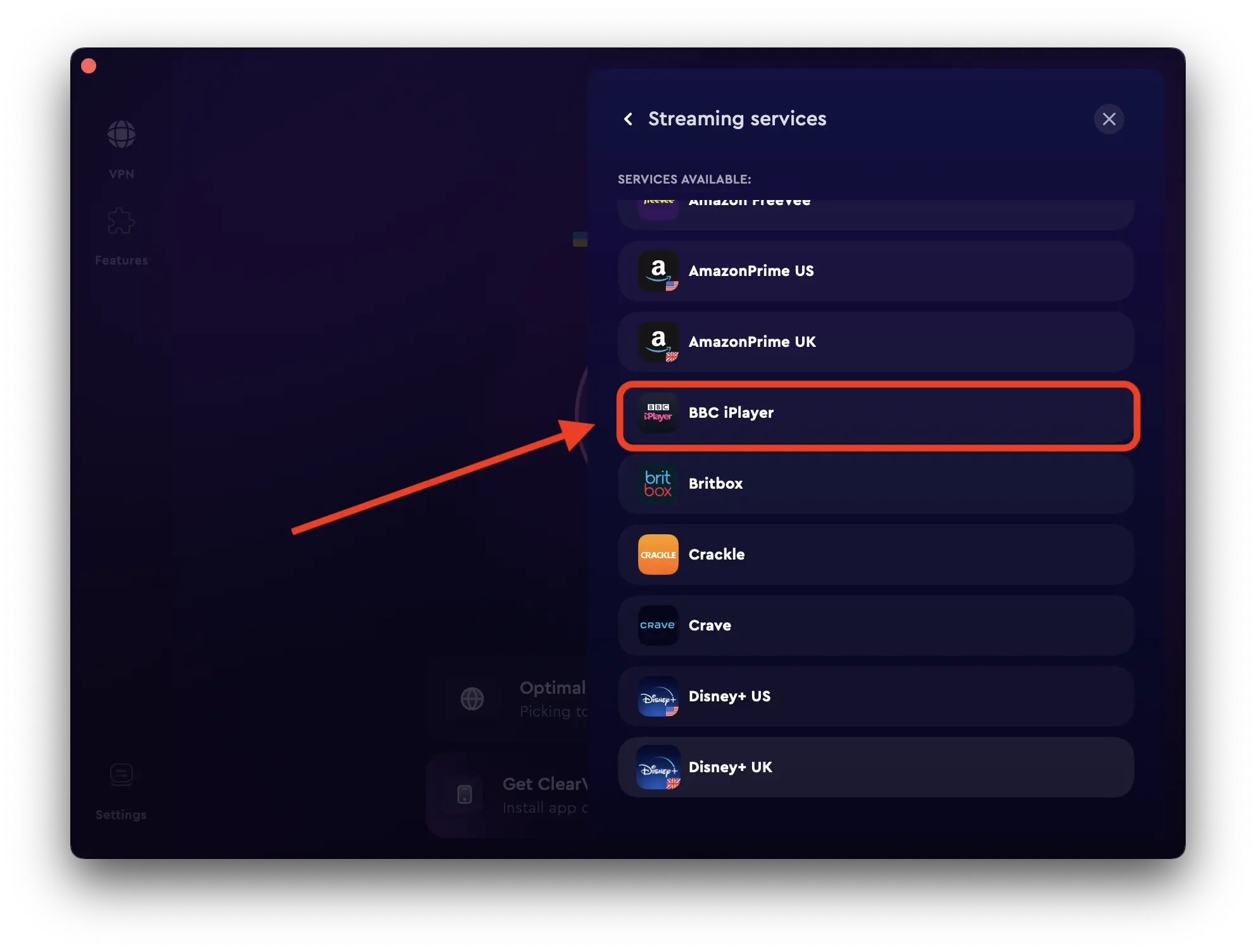
How to Unblock and Watch the BBC iPlayer in Australia with VPN?
To watch BBC iPlayer in Australia, you need a VPN. A VPN, or Virtual Private Network, helps you bypass geo-restrictions. It does this by changing your IP address. But not all VPNs work well with BBC iPlayer. So, how do you choose a reliable VPN?
Best VPNs to Watch BBC iPlayer in Australia
Here are some top VPN providers you can trust:
- ExpressVPN: Known for its fast speeds and reliability.
- NordVPN: Offers excellent security features and many servers.
- CyberGhost: User-friendly and great for streaming.
- Surfshark: Affordable with unlimited connections.
Features To Look For
Not all VPNs are the same. Look for these features:
| Feature | Why It’s Important |
|---|---|
| Server Locations | Choose a VPN with servers in the UK. This is crucial for accessing BBC iPlayer. |
| Speed | Streaming requires fast speeds. A slow VPN will cause buffering. |
| Security | Ensure the VPN has strong encryption. This keeps your data safe. |
| Ease of Use | The VPN should be easy to set up and use. A complicated VPN can be frustrating. |
| Customer Support | Good support helps if you encounter issues. Look for 24/7 support. |
Choosing a reliable VPN ensures you can watch BBC iPlayer without interruptions. Make sure to check reviews and ratings. This helps you pick the best VPN for your needs.
How to use a VPN to watch BBC iPlayer outside the UK?
Watching BBC iPlayer in Australia requires a VPN. A VPN masks your real location. It makes it look like you’re in the UK. This section will guide you through setting up your VPN.
Installation Guide
First, choose a reliable VPN provider. Ensure the VPN has UK servers. Popular options include NordVPN, ExpressVPN, and CyberGhost.
- Visit the VPN’s official website.
- Sign up for an account. Choose a plan that suits you.
- Download the VPN app. Ensure compatibility with your device.
- Install the app. Follow the on-screen instructions.
- Open the app. Log in with your credentials.
Ensure your internet connection is stable. A stable connection ensures smooth streaming.
Connecting To A UK Server
Once your VPN is installed, it’s time to connect. Follow these steps:
- Open the VPN app.
- Navigate to the server list. Look for UK servers.
- Select a UK server. Click to connect.
- Wait for the connection to establish. It usually takes a few seconds.
- Once connected, visit the BBC iPlayer website.
Ensure your location is now set to the UK. You should be able to stream BBC iPlayer content without issues.
| VPN Provider | Website | UK Servers |
|---|---|---|
| NordVPN | www.nordvpn.com | Over 400 |
| ExpressVPN | www.expressvpn.com | 5 |
| CyberGhost | www.cyberghostvpn.com | Over 600 |
Remember to always disconnect from the VPN after use. This ensures your connection remains secure and fast.
Do free VPN Services Work with BBC iPlayer Australia?
Free VPN services often struggle to consistently work with BBC iPlayer in Australia for several reasons:
- IP Blocking: BBC iPlayer actively blocks IP addresses associated with known VPN services, especially free ones. As a result, many free VPNs may not provide reliable access.
- Limited Servers: Free VPNs typically have a limited number of servers, which can lead to overcrowding and slower speeds. This can also make it easier for BBC iPlayer to identify and block these IP addresses.
- Security and Privacy Issues: Many free VPNs have weaker security protocols and may log user data, posing risks to your privacy. This is especially concerning when trying to access content from a platform like BBC iPlayer.
- Connection Stability: Free VPNs often have unstable connections, which can lead to interruptions while streaming.
Alternatives:
If you want to access BBC iPlayer from Australia, consider using a reputable paid VPN service known for successfully bypassing geo-restrictions. Paid VPNs usually offer:
- Better reliability and performance
- A wider range of server locations
- Stronger security measures
- Customer support
While free VPNs may work occasionally, they are not a reliable long-term solution for accessing BBC iPlayer.
Common Troubleshooting Issues
Watching BBC iPlayer in Australia can sometimes be tricky. Users often face problems that disrupt their viewing experience. This section will help you troubleshoot common issues.
Connection Problems
Connection problems can stop you from accessing BBC iPlayer. Here are some tips to fix them:
- Check your internet connection. Ensure it is stable and strong.
- Restart your router. This can solve many connectivity issues.
- Ensure your VPN is active. BBC iPlayer is geo-restricted, so you need a VPN.
- Clear your browser’s cache. This can sometimes resolve connectivity problems.
Buffering And Speed Issues
Buffering and speed issues can ruin your viewing experience. Here’s how to fix them:
- Close other applications. This frees up bandwidth for BBC iPlayer.
- Use a wired connection. It’s often faster and more stable than Wi-Fi.
- Update your browser and VPN software. Updates can fix bugs and improve performance.
- Lower the video quality. This can reduce buffering times.
Additional Tips And Tricks
Watching BBC iPlayer in Australia can be a challenge. But with the right tools, you can enjoy your favorite shows. Here are some additional tips and tricks to enhance your viewing experience.
Optimizing Streaming Quality
High-quality streaming can make a big difference. Here are some ways to ensure you get the best experience:
- Use a Fast VPN: Choose a VPN with high-speed servers.
- Check Your Internet Speed: Use a speed test tool. Ensure your speed is at least 5 Mbps.
- Close Unnecessary Apps: Shut down apps that use bandwidth.
- Update Your Device: Ensure your device’s software is up to date.
| Resolution | Recommended Speed |
|---|---|
| 480p | 1.5 Mbps |
| 720p | 3 Mbps |
| 1080p | 5 Mbps |
Accessing BBC iPlayer with Beebs (now BritVPN) Chrome Extension
To access BBC iPlayer using the Beebs Chrome extension, follow these steps:
- Install BritVPN (formerly Beebs) Extension:
- Open the Chrome Web Store.
- Search for “Beebs” and click on the extension.
- Click on Add to Chrome and follow the prompts to install it.
- Open the Extension:
- Once installed, click the Beebs icon in your Chrome toolbar to activate it.
- Log In or Set Up:
- If required, you may need to log in or set up the extension with your BBC account.
- Navigate to BBC iPlayer:
- Go to the BBC iPlayer website.
- Watch Content:
- Use the Beebs extension to access content that may be restricted in your region. It should bypass regional restrictions and allow you to stream shows and movies available on BBC iPlayer.
Notes:
- Ensure you have a valid BBC account, as some content may require you to sign in.
- Beebs helps in bypassing geo-restrictions, but using VPNs or similar services might also be necessary depending on your location.
That’s it! Enjoy streaming your favorite shows on BBC iPlayer with the Beebs extension.
Devices Compatible with BBC iPlayer Access
BBC iPlayer is compatible with a wide range of devices, including:
- Smartphones and Tablets:
- Android devices (phones and tablets)
- iOS devices (iPhone and iPad)
- Smart TVs:
- Samsung Smart TVs
- LG Smart TVs
- Sony Smart TVs
- Panasonic Smart TVs
- Any TV that supports the BBC iPlayer app
- Streaming Devices:
- Amazon Fire TV
- Roku
- Google Chromecast
- Apple TV
- Gaming Consoles:
- PlayStation 4 and PlayStation 5
- Xbox One and Xbox Series X/S
- Web Browsers:
- Access through most web browsers on Windows, macOS, and Linux devices.
- Set-top Boxes:
- Virgin Media TiVo and V6
- BT TV
Note:
Make sure your device has the latest version of the BBC iPlayer app for the best experience, and some devices may require a UK IP address to access BBC iPlayer content due to regional restrictions.
Staying Safe Online
Safety should be a priority. Follow these tips to protect yourself online:
- Use a Trusted VPN: Choose VPNs with strong security features.
- Enable Firewall: Keep your firewall active. It blocks unwanted access.
- Use Strong Passwords: Create passwords with letters, numbers, and symbols.
- Avoid Public Wi-Fi: Public networks are less secure. Use a private connection.
- Keep Software Updated: Regular updates fix security issues.
Frequently Asked Questions
Can I Watch BBC iPlayerIn Australia?
Yes, using a VPN service to bypass geo-restrictions, you can access BBC iPlayer from Australia.
Which VPN Works Best For BBC iPlayer?
Top-rated VPNs for BBC iPlayer include ExpressVPN, NordVPN, and CyberGhost, known for their speed and reliability.
Is BBC iPlayer Free To Use?
Yes, BBC iPlayer is free, but you need a UK TV license and a registered account to access content.
Do I Need A UK Account For BBC iPlayer?
Yes, you need a UK-based account with a valid postcode to register and watch BBC iPlayer content.
Conclusion
Accessing BBC iPlayer in Australia is simple with the right tools. Use a reliable VPN and follow our steps. Enjoy your favorite BBC shows seamlessly. Remember to choose a VPN with strong security features. Stay updated with the latest methods to ensure uninterrupted streaming.Happy watching!




