To delete a Snapchat account, log in to the Snapchat accounts portal, tap on “Delete My Account,” input your password, and then confirm the account deactivation/deletion by tapping “Continue.” If you’re looking to permanently delete your Snapchat account, follow these steps: log in to the Snapchat accounts portal, tap on “Delete My Account,” input your password, and then confirm the account deactivation/deletion by tapping “Continue.”
Deleting your Snapchat account will remove all your data and cannot be undone, so make sure to back up any important information before proceeding.
Reasons To Delete A Snapchat Account
There may come a time when you decide it’s time to say farewell to your Snapchat account. Whether it’s due to privacy concerns, an inactive or unused account, or simply a desire for a digital detox, deleting your Snapchat account can provide you with peace of mind. In this article, we will explore these reasons in more detail and guide you through the process of deleting your Snapchat account.
Privacy Concerns And Data Security
One of the main reasons why individuals choose to delete their Snapchat account is due to privacy concerns and data security. While Snapchat offers certain privacy features such as disappearing messages, there is still a level of uncertainty when it comes to how secure your personal information is. From time to time, Snapchat has faced controversies regarding data breaches and privacy breaches, which may make users uneasy about keeping their account active.
To protect your privacy and ensure your data is secure, it may be best to delete your Snapchat account. By doing so, you can have greater control over your personal information and reduce the risk of any potential data breaches or privacy infringements.
Inactive Or Unused Account
Another common reason to delete a Snapchat account is when the account becomes inactive or unused. Many individuals create a Snapchat account out of curiosity or to keep up with friends, only to find themselves rarely using the app afterward. In such cases, it may be more practical to delete the account rather than keeping it dormant.
Deleting an inactive or unused Snapchat account not only frees up space on your device, but it also eliminates any potential privacy risks associated with having an abandoned account. It ensures that you are consciously managing your digital presence and only keeping active accounts that serve a purpose in your daily life.
Desire For A Digital Detox
In today’s digital age, many individuals feel overwhelmed and in need of a digital detox every now and then. If you find yourself spending too much time on Snapchat or becoming too reliant on the app for social interactions, deleting your account can be a liberating step towards reclaiming your time and mental well-being.
A digital detox allows you to break free from the constant notifications and distractions that come with social media platforms. By deleting your Snapchat account, you can create more space in your life for meaningful connections and real-world experiences.
Deleting a Snapchat account is a personal decision that depends on your unique circumstances and priorities. Whether it’s to address privacy concerns, manage an inactive account, or embrace a digital detox, taking control of your online presence can have a positive impact on your overall well-being.
Steps To Delete A Snapchat Account
To delete a Snapchat account, log in to the Snapchat accounts portal, tap on “Delete My Account,” input your password, and confirm the account deactivation/deletion.
Accessing The Snapchat Accounts Portal
To delete your Snapchat account, you need to access the Snapchat accounts portal. Follow these simple steps:
- Open your preferred web browser and go to https://accounts.snapchat.com/accounts/delete_account.
- Make sure you are logged out of any active Snapchat session on your device.
- Enter your Snapchat username and password in the given fields.
- Click on the “Log In” button to proceed.
Navigating To The Account Deletion Option
Once you are logged in to the Snapchat accounts portal, you can navigate to the account deletion option by following these steps:
- On the main page of the accounts portal, scroll down until you find the “Delete My Account” option. It is usually located towards the bottom of the page.
- Click on the “Delete My Account” option. This will redirect you to the next step of the account deletion process.
Inputting Password And Confirmation
To proceed with deleting your Snapchat account, you will need to input your password and provide confirmation:
- In the designated field, enter your Snapchat account password.
- Double-check the accuracy of the password to ensure there are no typos or errors.
- Click on the “Continue” button to move to the final step.
Completing The Account Deletion Process
Once you have entered your password and confirmed your account deletion, you will complete the final step. Follow these instructions:
- Review the information on the account deletion confirmation page.
- Ensure that you understand the consequences of deleting your Snapchat account, including the loss of your contacts, Snaps, and other account data.
- If you still want to proceed, click on the “Delete My Account” button.
- Wait for the account deletion process to complete. This may take some time.
- Once the process is finished, you will receive a confirmation email from Snapchat informing you that your account has been successfully deleted.
Congratulations! You have successfully deleted your Snapchat account.
What Happens When You Delete A Snapchat Account?
Deleting a Snapchat account is a straightforward process that you might consider for various reasons. However, it’s crucial to understand the consequences of deleting your account before taking the final step. Once you delete your Snapchat account, several things happen that you should be aware of:
Permanent Deletion Of Personal Data
When you delete your Snapchat account, all of your personal data is permanently deleted from Snapchat’s servers. This includes your account information, Snaps, Chats, Story content, and any other data associated with your account. Snapchat takes privacy seriously, and they make sure to remove all traces of your data once you choose to delete your account.
Removal From Friends’ Contact Lists
Deleting your Snapchat account also means that you will be removed from your friends’ contact lists. This action is irreversible, and your friends will no longer be able to see your profile, send you Snaps or Chats, or communicate with you through the app. It’s important to let your close friends know about your decision before deleting your account if you wish to stay in touch through other means.
Inability To Access App Features And Content
Deleting your Snapchat account not only removes your personal data but also denies you access to various app features and content. After deleting your account, you will no longer be able to use Snapchat’s messaging features, post Stories, or view other users’ content. Additionally, any purchases made within the app, such as filters or lenses, will no longer be accessible.
Now that you know what happens when you delete a Snapchat account, ensure that you have considered these consequences before proceeding with the account deletion process. If you decide to delete your account, follow the appropriate steps provided by Snapchat to ensure your data is permanently removed and your friends are informed about your departure from the app.
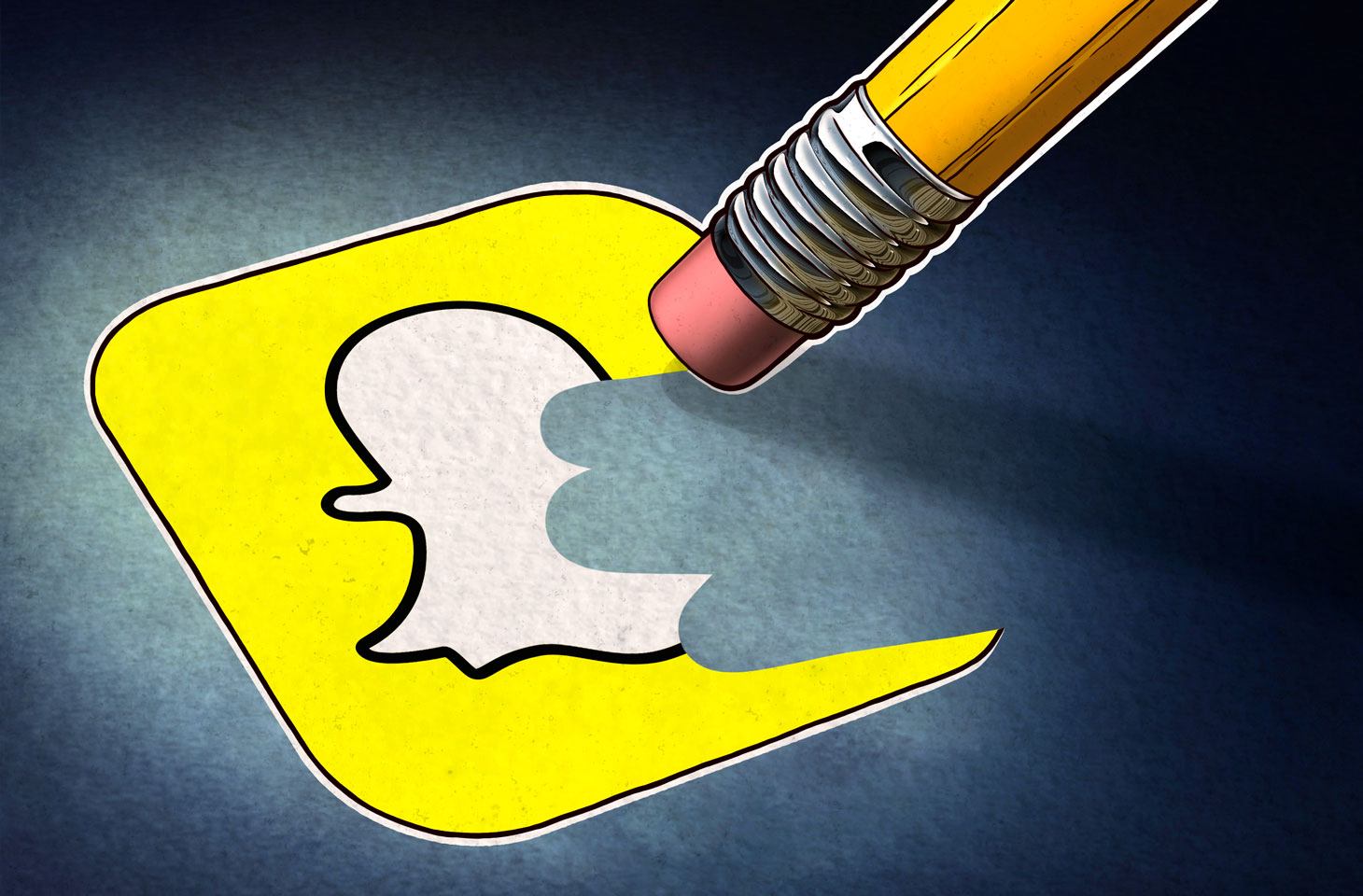
Credit: www.kaspersky.com
Alternatives To Deleting A Snapchat Account
Thinking about deleting your Snapchat account? Before you go ahead and delete it, consider these alternatives that might suit your needs better. From temporary deactivation to adjusting privacy settings, there are a few options to explore.
Strongtemporary Deactivation/strong
If you’re feeling overwhelmed and want a break from Snapchat, but aren’t quite ready to say goodbye forever, temporary deactivation might be the best option for you. This allows you to take a step back without permanently deleting your account.
- Log in to the Snapchat accounts portal.
- Tap on ‘Delete My Account’.
- Input your password.
- Tap ‘Continue’ to confirm the deactivation of your account.
Strongchanging Privacy Settings And Account Visibility/strong
If you are concerned about privacy or want to limit who can see your content, adjusting the privacy settings and account visibility can be a good alternative to deleting your Snapchat account.
- Click on the profile icon on the top left of the screen.
- Then, click on the settings icon on the top right.
- Scroll down and find the privacy settings section.
- Adjust the settings according to your preferences, such as who can send you snaps or view your stories.
Strongdisabling Specific Features/strong
If there are specific features on Snapchat that you find bothersome but still enjoy using the app overall, you can consider disabling those features instead of deleting your entire account.
- Go to the settings section of your Snapchat account.
- Look for the specific feature you want to disable, such as location tracking or automatic updates.
- Toggle off the feature to disable it.
Remember, it’s important to find a solution that works best for you, whether it’s temporary deactivation, adjusting privacy settings, or disabling specific features. Take the time to explore these alternatives and decide what suits your needs and preferences.
Frequently Asked Questions For How To Delete A Snapchat Account
How Do I Permanently Delete My Snapchat Account?
To permanently delete your Snapchat account, follow these steps:
1. Log in to the Snapchat accounts portal.
2. Tap ‘Delete My Account’.
3. Input your password.
4. Tap ‘Continue’ to confirm the deletion.
How Do I Permanently Delete My Snapchat Account 2023?
To permanently delete your Snapchat account in 2023, follow these steps:
1. Log in to the Snapchat accounts portal.
2. Tap ‘Delete My Account.’
3. Input your password.
4. Tap ‘Continue’ to confirm account deletion.
Why Is There No Delete Account Option On Snapchat?
There is no delete account option on Snapchat because they want to ensure that users have control over their own data and privacy. However, you can easily deactivate your account by logging into the Snapchat accounts portal and selecting the delete account option.
How Do I Delete My Snapchat Account On An iPhone?
To delete your Snapchat account on an iPhone:
1. Open the Snapchat app
2. Tap on your profile icon in the top left
3. Tap on the settings icon in the top right
4. Scroll down and select ‘Delete Account’
5. Enter your password to confirm the deletion.
Conclusion
To delete your Snapchat account, simply follow the steps outlined in this guide. Log in to the Snapchat accounts portal, tap ‘Delete My Account’, enter your password, and tap ‘Continue’ to confirm account deactivation or deletion. Deleting your account allows you to permanently say goodbye to Snapchat and all your data on the platform.
It’s a straightforward process that ensures your privacy and peace of mind. So, if you’re ready to move on from Snapchat, follow these steps and close your account today.