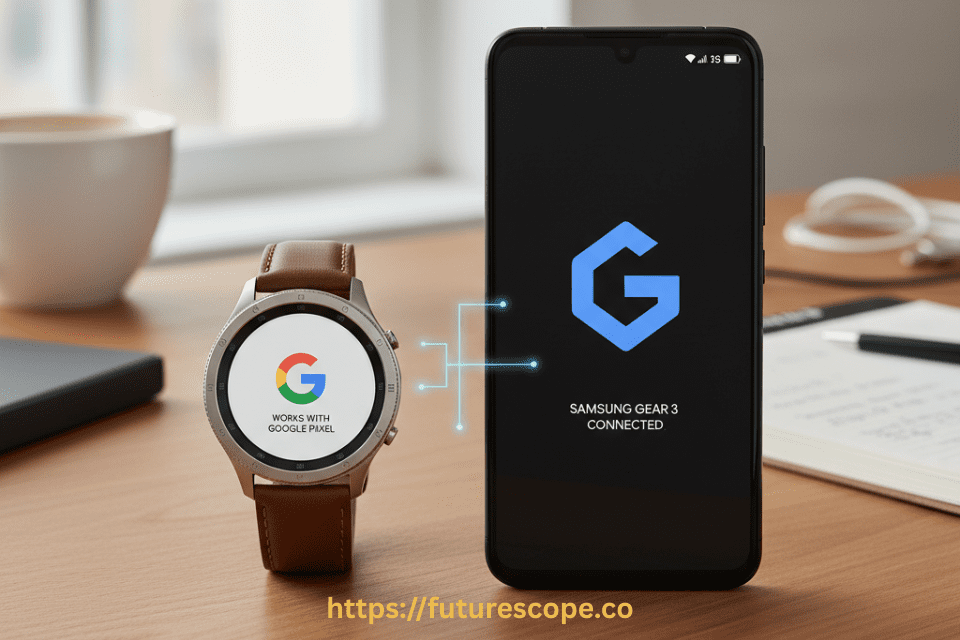

Smartwatches have become a huge part of the modern tech lifestyle. They let you track fitness, check notifications, and even answer calls without pulling out your phone. Samsung’s Gear series, including the Gear S3, Gear Sport, and Gear Fit2, was one of the most popular smartwatch lines before the company fully shifted toward the Galaxy Watch lineup. But many users wonder: Does Samsung Gear work with Google Pixel phones?
The short answer is yes, but there are limitations. While Samsung Gear smartwatches are primarily designed to work with Samsung smartphones, they also support Android devices, including Google Pixel. However, the level of compatibility may not be the same as when paired with a Samsung device. In this article, we’ll explore how Samsung Gear works with Pixel phones, what features you can use, and what problems you might face.
Samsung Gear and Android Compatibility
Samsung designed the Gear line to work best with its own Galaxy smartphones, but it also extended compatibility to other Android phones running Android 5.0 (Lollipop) or later with at least 1.5 GB of RAM. Since Google Pixel phones run modern versions of Android, they are technically compatible with Samsung Gear devices.
To connect a Samsung Gear smartwatch to a Google Pixel, you’ll need the Galaxy Wearable app (previously called Samsung Gear app) from the Google Play Store. This app acts as the main control center for pairing and managing the smartwatch. Additionally, depending on your model, you may need to install plug-in apps specific to your Gear device to unlock all features. it’s important to understand the evolution of Samsung’s smartwatch lineup:
- Samsung Gear Series: Includes Gear S, Gear S2, Gear S3, Gear Fit, and Gear Sport. These older models run on Samsung’s proprietary Tizen OS.
- Samsung Galaxy Watch Series: Includes Galaxy Watch, Watch Active, Watch 3, Watch 4, Watch 5, Watch 6, and the latest Watch 7. Starting with the Galaxy Watch 4, Samsung transitioned to Wear OS, co-developed with Google.
This shift to Wear OS significantly improved compatibility with non-Samsung Android phones, including Google Pixel devices.
Do Samsung Gear and Galaxy Watches Work with Google Pixel?
Yes, Samsung Galaxy Watches are compatible with Google Pixel phones, especially models running Android 8.0 or higher with at least 1.5GB of RAM. This includes Pixel 4, 5, 6, 7, 8, and 9 series. However, older Samsung Gear models may have limited or unreliable functionality when paired with Pixel devices.
Compatible Devices
- Galaxy Watch 4, 5, 6, 7: Fully compatible with Pixel phones. These watches run Wear OS and integrate well with Android.
- Galaxy Watch Active and Watch 3: Compatible but may lack some newer features.
- Samsung Gear S3, Gear Fit, Gear Sport: Limited compatibility. May connect but with reduced functionality.
- Gear S, Gear 2, Gear Neo: Not recommended for Pixel users due to outdated software and poor support.
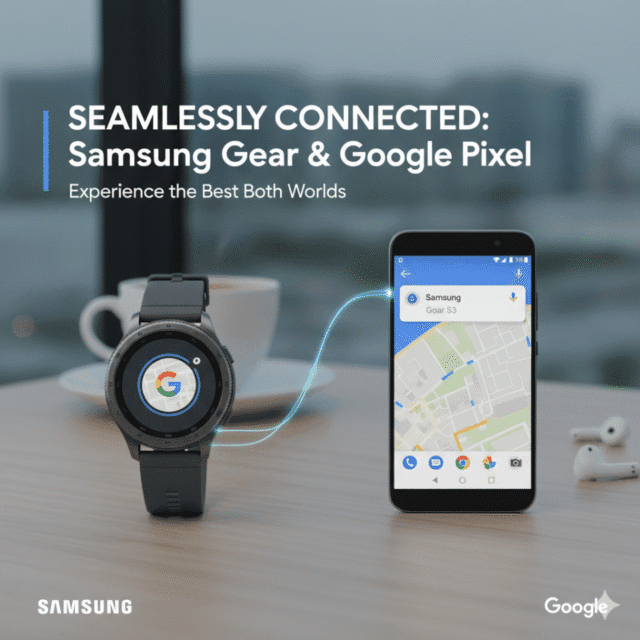
How to Pair Samsung Gear with a Google Pixel?
If you own a Samsung Gear watch and a Google Pixel phone, here are the steps to set them up:
- Download the Galaxy Wearable app from the Google Play Store.
- Open the app and turn on your Samsung Gear watch.
- Select your device from the list of available Gear models.
- Follow the on-screen instructions to complete pairing via Bluetooth.
- Install additional plug-ins or software updates if prompted.
Once paired, you’ll be able to access watch settings, change faces, install apps, and manage notifications directly from your Pixel phone.
Features That Work with Google Pixel
While Samsung Gear watches are optimized for Samsung phones, most features still work when paired with a Pixel. Here are the key functions you can expect:
1. Notifications
You can receive call, text, email, and app notifications directly on your Gear watch. You can also respond to messages using quick replies, emojis, or voice input.
2. Fitness and Health Tracking
Samsung Gear watches include features like heart rate monitoring, step counting, and workout tracking. These continue to function normally with Google Pixel, and data syncs with the Samsung Health app.
3. Watch Faces and Apps
Through the Galaxy Wearable app, you can download and customize watch faces, as well as install apps designed for the Gear ecosystem.
4. Music Playback
You can control music playing on your Pixel through the Gear watch. Some models also support offline music playback if you load songs directly onto the watch.
5. Calls and Messages
If your Gear watch supports call handling, you can answer or reject calls through the watch when it’s connected to your Pixel. Messaging support also works for most standard SMS apps.
Features That May Be Limited or Unavailable with Google Pixel
Although many features work, there are some limitations when using Samsung Gear with Google Pixel compared to pairing with a Samsung Galaxy phone.
1. Samsung-Specific Features Missing
Certain features like Samsung Pay (for contactless payments) may not be available on non-Samsung phones. The feature often requires Samsung’s proprietary services, which aren’t supported on Pixel devices.
2. Advanced Integration Issues
While notifications and fitness tracking work fine, deeper integrations—like answering calls using LTE Gear models—might not work as seamlessly as they do with Galaxy phones.
3. Slower Updates and App Support
Samsung optimizes the Galaxy Wearable app primarily for its own devices. As a result, some features may roll out slower or experience glitches when used with Pixel phones.
4. Compatibility Differences Between Models
Older Gear models like the Gear 2 Neo may have more limited functionality compared to newer models like the Gear S3 Frontier or Gear Sport when paired with Pixel devices.
Which Pixel Models Work Best with Samsung Gear?
Since Samsung Gear supports Android 5.0 and above, nearly all Google Pixel models are compatible, including:
- Google Pixel (1st Gen)
- Pixel 2, 3, 4, and 5 series
- Pixel 6, 7, and 8 series
The newer the Pixel, the smoother the experience. Pixel phones running the latest versions of Android with strong Bluetooth and battery optimization tend to provide better stability when connected to Samsung Gear watches.
Tips for Better Performance
If you’re pairing a Samsung Gear watch with a Google Pixel, here are some tips to ensure smoother operation:
- Keep apps updated – Always update the Galaxy Wearable and Samsung Health apps to the latest versions.
- Allow permissions – Make sure the app has access to notifications, contacts, and Bluetooth.
- Disable battery optimization – On Pixel phones, battery optimization may close background apps, which can interrupt watch syncing. Exclude the Galaxy Wearable app from optimization.
- Keep Bluetooth on – Ensure your Pixel’s Bluetooth is always active for consistent pairing.
- Re-pair if needed – If you notice connectivity issues, try unpairing and re-pairing the watch with your Pixel.
Should You Use Samsung Gear with Pixel or Switch to Another Watch?
If you already own a Samsung Gear watch, it works well enough with Google Pixel phones for everyday use. You’ll get access to most core smartwatch features like notifications, health tracking, and music controls. However, if you want the full smartwatch experience with maximum compatibility, you might consider alternatives.
- Samsung Galaxy Watch (newer models) – Offers broader Android support with better integration and ongoing updates.
- Google Pixel Watch – Designed specifically for Pixel phones, with deep integration into Google services like Assistant, Maps, and Fit.
- Other Wear OS devices – Brands like Fossil and TicWatch offer solid compatibility with Pixel devices.
Alternatives to Samsung Gear for Pixel Users
If you’re exploring other smartwatch options, here are some great alternatives:
Pixel Watch 2
- Native integration with Pixel phones
- Fitbit-powered health tracking
- Google Wallet and Assistant
- Premium design and performance
Garmin Venu 2 Plus
- Excellent fitness tracking
- Long battery life
- Works well with Android
- No mobile payments
Mobvoi TicWatch Pro 5
- Runs Wear OS
- Dual-display for battery efficiency
- Good performance and app support
These watches offer strong compatibility with Pixel devices and may include features not available on Samsung Gear.
Conclusion | Samsung Gear and Pixel—Mostly Compatible, With Limits
So, does Samsung Gear work with Google Pixel? The answer is yes—with some caveats. While you won’t get the same seamless integration as you would with a Samsung phone, Pixel users can still enjoy most of the smartwatch features that make the Gear line useful.
If you already own a Samsung Gear watch, it’s worth pairing with your Pixel for fitness tracking, notifications, and convenience. But if you’re planning to buy a new smartwatch, you may want to explore newer Galaxy Watch models or the Pixel Watch for deeper integration and future-proof support.
Either way, your Google Pixel and Samsung Gear can work together to give you a connected, smarter experience—just with a few limitations to keep in mind.
TL;DR Summary
- Samsung Galaxy Watches (Watch 4 and newer) work well with Google Pixel phones
- Older Samsung Gear models have limited compatibility
- Core features like notifications, fitness tracking, and music control work seamlessly
- Samsung Pay, ECG, and camera control are restricted to Samsung phones
- Use Galaxy Wearable and Samsung Health apps for setup
- Consider Pixel Watch 2 or other Wear OS devices for full feature access
Frequently Asked Questions
Can I connect my Samsung Gear watch to a Google Pixel phone?
Yes. You can connect a Samsung Gear watch to a Pixel phone using the Galaxy Wearable app from the Google Play Store.
Do all features of Samsung Gear work with Pixel phones?
Most features, such as notifications, fitness tracking, and watch faces, work fine. However, some functions like Samsung Pay may not be available on Pixel devices.
Which Google Pixel models are compatible with Samsung Gear?
All Pixel models running Android 5.0 (Lollipop) or later with at least 1.5 GB RAM are compatible, including Pixel 2, 3, 4, 5, 6, 7, and 8 series.
Why is my Samsung Gear not syncing properly with my Pixel?
This can happen due to battery optimization settings, outdated apps, or Bluetooth issues. Disabling optimization for the Galaxy Wearable app and re-pairing the device usually fixes the issue.
Should I buy a Samsung Gear or Pixel Watch for my Pixel phone?
If you already own a Samsung Gear, it works fine with Pixel phones. But for the smoothest experience, a Pixel Watch or newer Galaxy Watch is recommended.