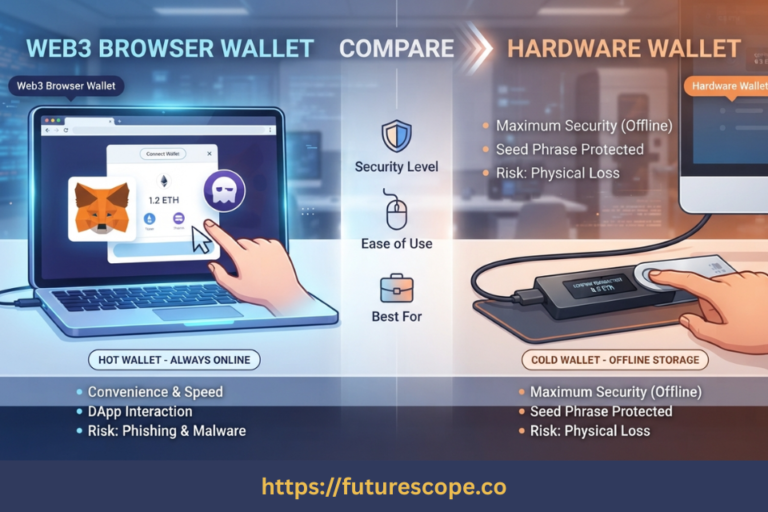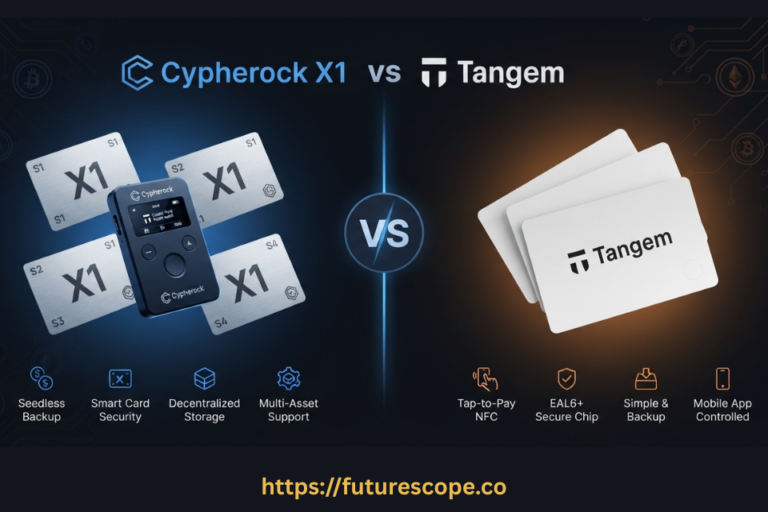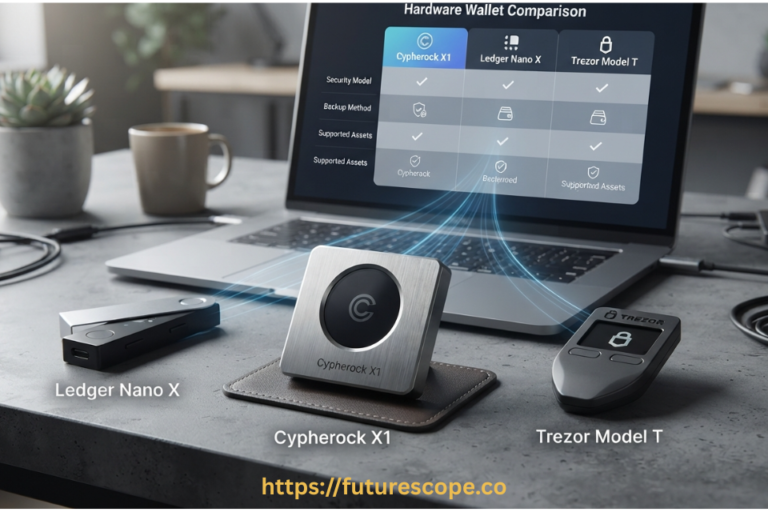

Your hardware wallet is gone. Before panic sets in, here’s the truth: if you have your seed phrase, your crypto is almost certainly fine.
Accidents happen. Hardware wallets get lost, stolen, dropped in water, crushed, or simply stop working. If you’ve found yourself without your hardware wallet, the first thing to understand is that this situation is almost never as catastrophic as it feels in the first moment.
The reason is fundamental to how blockchain works: your cryptocurrency doesn’t live inside the hardware wallet. It lives on the blockchain — a distributed network that no single device, person, or institution controls. Your hardware wallet is simply a secure key holder. Lose the key holder, and you can generally make a new one, as long as you have what really matters: your seed phrase.
This guide will walk you through exactly how to recover crypto without a hardware wallet, the tools available to do it, what happens if you don’t have your seed phrase, and how to make sure you’re never in this stressful situation again.
The Core Principle: Your crypto is stored on the blockchain, not inside the hardware device. The hardware wallet stores your private keys, which are derived from your seed phrase. As long as you have your seed phrase (12, 18, or 24 words), you can recover access to all of your funds on any compatible wallet.
Why Your Seed Phrase Is Everything?
When you set up a hardware wallet for the first time, it generates a seed phrase — a sequence of 12, 18, or 24 common English words in a specific order. This seed phrase is the master key to all your accounts. Every private key, every wallet address, every coin balance across every blockchain you hold — all of it can be mathematically regenerated from those words.
This is by design. The BIP-39 standard (Bitcoin Improvement Proposal 39) defines how seed phrases generate private keys in a deterministic, reproducible way. That means any BIP-39 compatible wallet — hardware or software — using the same seed phrase will generate the exact same private keys and wallet addresses. This is the foundation of wallet recovery.
The practical implication is powerful: if your Ledger Nano breaks, you can restore all your funds to a brand new Trezor. If your Trezor is stolen, you can recover everything using a software wallet on your phone or computer. The device is replaceable. The seed phrase is not.
How to Recover Crypto Without a Hardware Wallet: Your Options
If you no longer have access to your hardware device, here are the practical recovery paths available to you, in order of security preference.
Option 1: Recover Onto a New Hardware Wallet
This is the safest and most recommended approach. Simply purchase a new hardware wallet from an authorised retailer, choose “Restore” or “Recover from seed phrase” during the initial setup process, and enter your seed words in the exact order you wrote them down. The wallet will regenerate all your private keys, and your full portfolio will appear.
This approach keeps your private keys in an offline, hardware-secured environment throughout the process. For any significant crypto holdings, this is worth the cost and the short wait for shipping. Most major retailers offer 24-to-48-hour delivery options precisely because this scenario is common.
Important: always purchase a new hardware wallet directly from the manufacturer or an authorised retailer. Never buy a second-hand hardware wallet or one from an unknown marketplace listing. Tampered pre-configured devices have been used to steal funds from recovery attempts.
Option 2: Import Your Seed Phrase Into a Software Wallet
If you need access to your funds immediately and can’t wait for a new hardware wallet, you can temporarily restore your wallet using a reputable software wallet. This is a legitimate recovery path, but it requires understanding the security tradeoffs.
Software wallets that support BIP-39 seed phrase import include MetaMask (for Ethereum and EVM chains), Electrum (Bitcoin), Exodus (multi-chain), Phantom (Solana), and Trust Wallet (broad multi-chain support). Simply install the wallet, select the restore from seed phrase option during setup, and enter your words in order.
The security caveat: once your seed phrase exists on an internet-connected device, it’s exposed to a different threat model than a hardware wallet. Software wallets are more vulnerable to malware and phishing attacks. This approach is best used as a temporary measure to secure your funds while you order a replacement hardware device.
If you choose this route: use a device you trust, disconnect from the internet after importing if possible, and move your funds to a fresh wallet with a new seed phrase as soon as you have a replacement hardware device. Once your seed phrase has touched an online device, consider it potentially compromised and plan to retire it.

Option 3: If Your Wallet Has a Passphrase (25th Word)
Some hardware wallet users configure an additional passphrase — sometimes called the 25th word — on top of their seed phrase. This creates entirely separate wallet addresses from the same seed words. If you use a passphrase, you must have both the seed phrase AND the passphrase to recover your funds. Neither alone is sufficient. Make sure your recovery plan accounts for this if you’ve enabled this feature.
What If Your Device Was Stolen? A PIN-protected hardware wallet is very difficult for a non-expert to break into. Multiple failed PIN attempts trigger device wiping on most hardware wallets. However, if you believe an expert attacker may have the device and time on their side, move your funds immediately using one of the methods above — don’t wait. Send everything to a new wallet with a fresh seed phrase the moment you have access through software recovery.
Step-by-Step: Recovering Your Crypto
Step 1: Locate your seed phrase backup
Your 12, 18, or 24-word seed phrase should be written on paper or stamped into a metal backup plate (Billfodl, CryptoSteel, etc.) stored somewhere secure and separate from your hardware wallet. Find it before doing anything else.
Step 2: Decide on your recovery method
If you can wait 1–3 days: order a new hardware wallet. If you need funds urgently: use a trusted software wallet on a clean device. The method you choose determines your security exposure during the recovery period.
Step 3: Restore using your seed phrase
On a new hardware wallet: choose ‘Recover wallet’ during setup and enter your words in order. On a software wallet: choose ‘Import’ or ‘Restore from seed phrase’ and enter your words precisely as written. Word order matters absolutely.

Step 4: Verify all balances appear
After restoration, check that all your expected coin balances are visible. For some wallets you may need to manually add specific tokens or re-install coin apps. If balances don’t appear immediately, make sure the correct blockchain network is selected.
Step 5: Move funds to a new wallet (if device was stolen or seed was exposed)
If your device was stolen, or if you imported your seed phrase into a software wallet as an emergency measure, do not keep funds on that old seed phrase. Send everything to a brand new wallet with a freshly generated, never-exposed seed phrase. Then back up the new seed phrase securely and retire the old one.
What If You Don’t Have Your Seed Phrase?
This is the hardest part of this guide to write, because the honest answer is bleak. If you have permanently lost your seed phrase and no longer have access to your hardware device, and you cannot recall your private keys by any other means, your crypto is likely unrecoverable. There is no customer service, no company, and no government authority that can restore access on your behalf. This is the nature of self-custody: you hold the keys, and only you.
There are a handful of narrow exceptions worth exploring:
- Your hardware device still works: If the device is physically intact and you remember your PIN, you can still access your funds through the device without needing the seed phrase. Back up your seed phrase immediately if this is the case.
- Partial seed phrase recovery: If you have most of your seed words but are missing one or two, specialised tools like BTCRecover allow brute-force searching within the BIP-39 word list. This becomes exponentially more difficult with more missing words.
- Funds on an exchange or custodial wallet: If any of your holdings are on a centralised exchange, your access is controlled by that platform’s account recovery process — email, 2FA, and identity verification can restore access. This is fundamentally different from self-custody recovery.
- Professional recovery services: A small number of legitimate firms specialise in wallet recovery for physically damaged hardware wallets that still contain the seed. These services are extremely expensive, have no guarantee of success, and require careful vetting to avoid scams. They are a last resort for physically damaged (not lost) devices.
Warning — Seed Phrase Recovery Scams: Anyone asking you to enter your seed phrase online, in a chat, in a ‘wallet verification’ form, or as part of any customer support interaction is attempting to steal your funds. There is no legitimate recovery service that requires your seed phrase to be shared with another person or entered into a third-party website. Never do this under any circumstances.
How to Prevent This From Happening Again?
The best time to fix your backup strategy was when you set up your wallet. The second-best time is right now. Here’s what genuinely works:
- Store your seed phrase on metal, not paper: Paper deteriorates, burns, and gets water-damaged. Metal seed backup plates (Billfodl, CryptoSteel, CryptoTag) survive fires, floods, and physical damage. This is the single highest-impact improvement most hardware wallet users can make.
- Keep your seed phrase geographically separate from your hardware wallet: Storing both in the same location means both can be lost in the same event — a house fire, a theft, a flood. Keep the seed phrase at a different location: a trusted family member’s home, a safety deposit box, or a second secure location.
- Consider a second hardware wallet as a backup: Restore your seed phrase onto a second hardware device and store it in a different location. If your primary device is lost or damaged, your backup immediately takes over with no software wallet exposure necessary.
- Test your recovery process before an emergency: Set up a wallet with a small amount of crypto and practice recovering it from seed. This confirms your backup is correct and familiarises you with the process before you need to do it under stress.
- Document which coins need specific apps or networks: After any recovery, you may need to re-add token contracts or reinstall coin apps. Keeping a simple list of which assets you hold and on which networks makes post-recovery verification faster and less stressful.
Frequently Asked Questions
1. Can I recover my crypto without a seed phrase and without the hardware device?
In the vast majority of cases, no. Without your seed phrase and without the hardware device, there is no way to regenerate your private keys. Your crypto exists on the blockchain and is mathematically provable to belong to specific addresses, but the ability to move it requires the private key for those addresses. If both the device and the backup are lost and no other record of the private key exists, the funds are permanently inaccessible. This is the fundamental tradeoff of self-custody: total control means total responsibility.
2. Is it safe to enter my seed phrase into a software wallet to recover crypto?
It’s a legitimate recovery method but carries real security risks. Software wallets exist on internet-connected devices, which means your seed phrase is no longer protected by an isolated secure element. Malware, phishing software, or screen capture tools could potentially intercept your seed during or after entry. If you must use a software wallet to recover crypto without a hardware wallet, use a clean, trusted device, complete the necessary transfers quickly, and plan to retire that seed phrase by moving all funds to a new wallet with a fresh seed as soon as you have a replacement hardware device.
3. Can I recover my Ledger funds using a Trezor, or vice versa?
Yes, for most coins. Because both Ledger and Trezor follow the same BIP-39 seed phrase standard and BIP-44 coin derivation paths, a seed phrase generated on a Ledger device can be restored on a Trezor, and vice versa. Some edge cases exist — certain derivation paths may differ for specific coins, and you may need to check the correct derivation path if expected balances don’t appear immediately. For the vast majority of users holding mainstream cryptocurrencies, cross-brand recovery works without issues.
4. What happens to my crypto if the hardware wallet company goes out of business?
Nothing happens to your crypto. Your funds exist on the blockchain, not on the company’s servers. As long as you have your seed phrase, you can recover all your funds using any compatible open-source software wallet or alternative hardware wallet. This is a commonly asked question that reveals a misconception: hardware wallet companies do not hold your cryptocurrency or your private keys. They manufacture secure key storage devices. If a company closes, its products may stop receiving firmware updates, but your self-custody funds remain fully accessible through any compatible wallet.
5. What if my hardware wallet is damaged but not completely destroyed — can data be recovered from it?
Possibly, in specific scenarios. If the hardware wallet’s secure element chip is intact but the display, buttons, or casing are damaged, you may be able to connect the device and access it normally or through specialised software. Some manufacturers offer warranty replacements for defective units. For physically destroyed devices where the secure chip itself is damaged, professional data recovery services that specialise in hardware wallets exist, but they are expensive, carry no guarantee of success, and need careful vetting to avoid scams. These services are most worth pursuing for significant holdings where the cost-benefit analysis justifies the attempt.
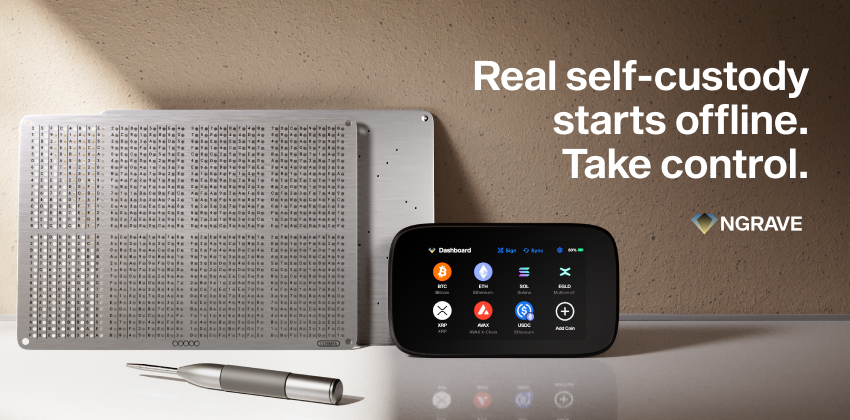
Your Seed Phrase Is Your Crypto. Protect It Accordingly.
The ability to recover crypto without a hardware wallet exists precisely because the blockchain is trustless and open — and your seed phrase is the permanent key to that openness. Your hardware wallet is replaceable. Your seed phrase is not.
Right now, while it’s not an emergency, is the best time to review your backup strategy.
Your action checklist:
- Locate your seed phrase backup right now and verify it’s complete and legible.
- If it’s on paper, upgrade to a metal backup plate — fire and water can destroy paper backups entirely.
- Store your seed phrase somewhere physically separate from your hardware wallet.
- Consider a second hardware wallet restored from the same seed as an instant-access backup.
- Practice the recovery process with a small test wallet so you know exactly what to do in an emergency.
- Never enter your seed phrase anywhere online or share it with any person or service.
Your seed phrase should outlast your hardware wallet, your house, and ideally even you. Plan your backup accordingly.
Written by a cryptography and crypto custody professional. Self-custody is a responsibility — take it seriously.