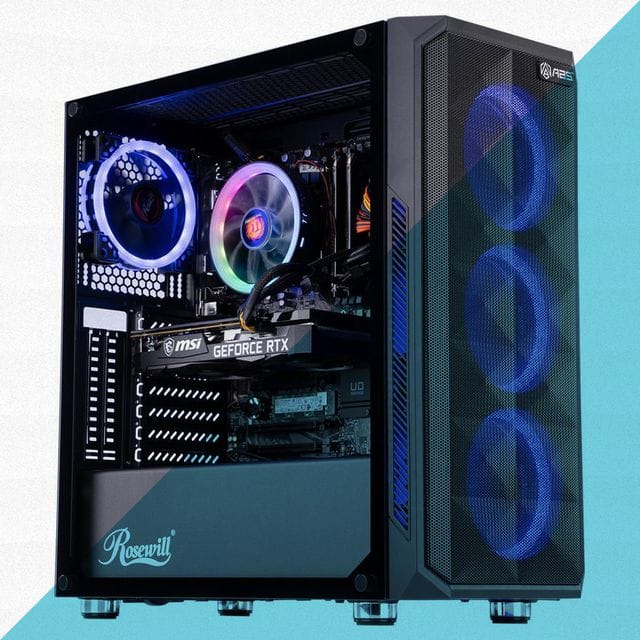
Gaming PCs are generally good for Photoshop due to their powerful components. They offer high processing speeds and advanced graphics capabilities.
Photoshop requires a blend of fast processors, ample RAM, and strong graphic performance, and gaming PCs deliver on all these aspects. With their robust processors and dedicated graphics cards, these machines handle complex Photoshop tasks with ease. They’re designed to run resource-intensive games, which translates well into graphic design and photo editing needs.
Users who opt for gaming PCs for Photoshop can expect smooth multitasking, quick rendering times, and a high-quality visual experience. This makes them a suitable choice for professionals and hobbyists who want a seamless and efficient workflow in their creative endeavors.
Balancing Performance: Gaming PCs Vs. Photoshop Requirements
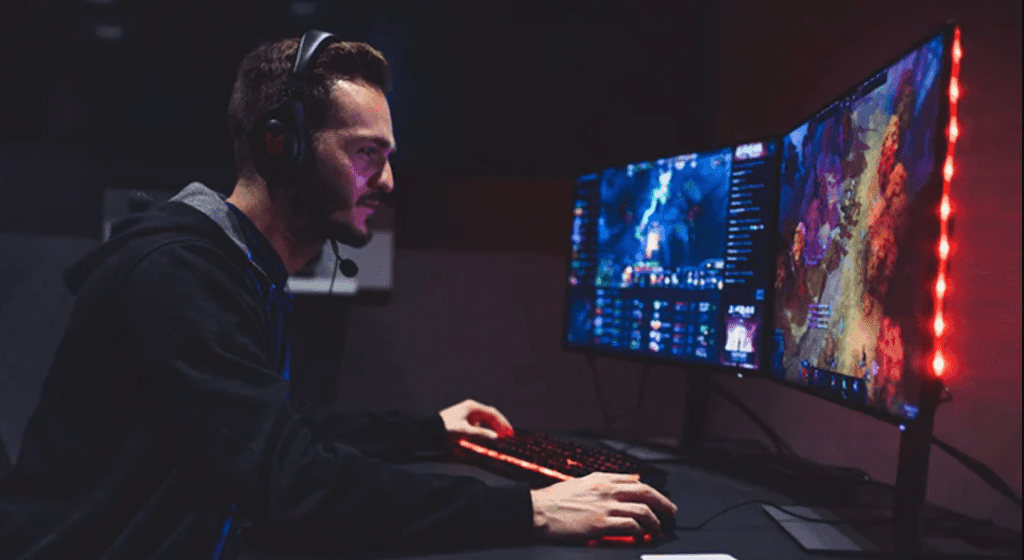
A common question arises: are gaming PCs good for Photoshop? It’s all about performance balance. Gaming PCs pack powerful components that can also be ideal for Photoshop’s demands. Understanding the relationship between gaming performance and Photoshop requirements allows for efficient workflow, regardless of the task at hand.
Hardware Synergy For Optimal Performance
Gaming PCs are powerhouse machines designed to handle intensive tasks. This synergy between hardware used for gaming and the requirements of photo editing software like Photoshop is evident.
- High-speed processors ensure quick photo processing.
- Sufficient RAM allows for smooth multitasking, crucial when working with large files.
- Advanced graphics cards render images swiftly, providing real-time feedback as you edit.
- Fast storage solutions, like SSDs, decrease load and save times significantly.
Assessing Photoshop’s Resource Needs
Photoshop is a resource-intensive application. It thrives on a solid hardware infrastructure. Let’s dissect these needs:
| Component | Photoshop’s Requirement | Gaming PC’s Capability |
|---|---|---|
| CPU | Fast multi-core processing | Often exceeds Photoshop’s CPU needs |
| RAM | 8GB minimum; 16GB recommended | Typically starts at 16GB, offering headroom |
| Graphics | GPU acceleration for canvas rendering | High-end GPUs, beyond Photoshop’s basic requirements |
| Storage | Fast read/write speeds for scratch disks | SSDs as standard, providing superior speed |
Choosing the right gaming PC for Photoshop means taking a close look at these components. Your performance will soar, and creative possibilities become boundless.
Graphics Processing: A Closer Look
When we think of Gaming PCs, we picture blazing-fast action and stunning visuals. These visuals are the work of a mighty hero: the GPU, or Graphics Processing Unit. Now, let’s dive into the thrilling world of GPUs. Let’s see how they handle tasks beyond gaming. Specifically, how do they fare with a tool like Photoshop?
GPU Roles In Gaming And Photo Editing
Gaming PCs are designed to make games look amazing. The GPU plays a significant role in rendering these graphics smoothly. In Photoshop, the GPU accelerates tasks like image rendering, applying filters, and previewing complex edits. This makes the editing process faster and more efficient.
- Gaming: GPUs handle real-time rendering, providing immersive experiences.
- Photo Editing: GPUs contribute to faster performance for brush strokes and effect previews.
High-end Graphics Cards: Necessary Or Overkill?
A common question is: “Do I need a high-end graphics card for Photoshop?” The answer depends on how you use Photoshop. For basic photo edits, a mid-range GPU will suffice. If you deal with 3D graphics or large files with multiple layers, consider upgrading. Let’s look at high-end GPUs and their impact on Photoshop performance.
| Task | High-End GPU Advantage |
|---|---|
| 3D Rendering | Significantly faster |
| Large Files | Better handling and efficiency |
| Layer Complexity | Smooth handling of multiple layers |
In conclusion, while gaming PCs are built for high-octane gameplay, their muscular GPUs can also flex their power in Photoshop, making them versatile machines for creatives and gamers alike.
Beyond The GPU: Other Critical Components
When discussing the prowess of gaming PCs for creative work like Photoshop, there’s much focus on graphic cards. But there’s more to the story. Other components also play vital roles in ensuring a smooth Photoshop experience. Let’s explore what makes gaming PCs truly equipped for graphic design tasks beyond their impressive GPUs.
The Impact Of Ram And Cpu In Photoshop
For Photoshop to run efficiently, ample RAM and a robust CPU are non-negotiable. A gaming PC usually has a high RAM capacity, which allows for quicker processing of large image files and multitasking without hiccups.
Here’s why RAM and CPU matter:
- Multiple Layers and Effects: More RAM means more complex projects with ease.
- Brush and Tool Performance: Faster CPUs translate to no lag during use.
- Quick Image Rendering: High-speed CPUs help render images faster.
Storage Solutions: SSDs For Speedy File Handling
Storage choice significantly affects performance. SSDs offer a speed advantage crucial for opening and saving large project files. They also contribute to the overall responsiveness of Photoshop on a gaming PC. Here’s what SSD storage brings to the table:
| SSD Advantages | Impact on Photoshop |
|---|---|
| Fast Data Transfer: | Faster file opening and saving. |
| Reduced Loading Times: | Quick boot-up of the application. |
| Improved Reliability: | Less risk of data corruption. |
Choosing the right gaming PC equipped with a solid-state drive (SSD) can result in a smoother, more efficient Photoshop workflow.
Real-world Usage: User Experiences And Benchmarks
Graphic designers often wonder if gaming PCs can handle Photoshop. In the ‘Real-World Usage: User Experiences and Benchmarks’ section, let’s dive into how these high-powered machines handle creative work.
Comparative Studies On Performance
Gaming PCs come with high-end components that promise speed and reliability. Benchmark tests show that these PCs can significantly reduce image processing times compared to standard computers.
| System | Load Time | Filter Speed | Render Time |
|---|---|---|---|
| Gaming PC | 3 seconds | 1.5 seconds | 5 minutes |
| Standard PC | 10 seconds | 4 seconds | 15 minutes |
Graphics cards in gaming systems ensure smoother operation during complex tasks in Photoshop.
User Testimonials: Pros And Cons Of Gaming PCs For Photoshop
Real users share their experiences with gaming PCs while working on Photoshop projects.
Pros
- Speedy performance even with high-res files
- Reduces lag during multitasking
- Larger screens and higher resolutions enhance editing
Cons
- Higher cost compared to standard PCs
- May have more power than needed for basic editing
- Can be bulky and take up more space
User experiences suggest that gaming PCs offer a clear edge when it comes to heavy Photoshop use. The extra power proves beneficial for demanding tasks.
Frequently Asked Questions On Are Gaming PCs Good For Photoshop?
Can Gaming PCs Be Used For Photoshop?
Yes, gaming PCs can efficiently run Photoshop due to their powerful processors, high-grade graphics cards, and ample RAM, making them suitable for graphic design tasks.
Is Gaming PC Better For Photo Editing?
A gaming PC can be better for photo editing due to its powerful graphics card and high-performance components, which handle complex image processing tasks efficiently.
Is A Gaming PC Good For Adobe?
A gaming PC, with its high-performance components, is indeed suitable for running Adobe software effectively. Robust graphics cards and fast processors ensure smooth operation of creative applications.
Can We Use Gaming PC For Editing?
Yes, gaming PCs are suitable for editing due to their high-performance hardware, capable of handling video and graphic design tasks effectively.
Conclusion
Wrapping up, it’s clear that gaming PCs offer a robust platform for Photoshop enthusiasts. With their superior graphics and processing power, they handle intensive editing tasks effortlessly. For creatives demanding high performance and speed, investing in a gaming PC can significantly enhance workflow efficiency.
Remember, balancing your hardware with software needs is key to a seamless Photoshop experience.