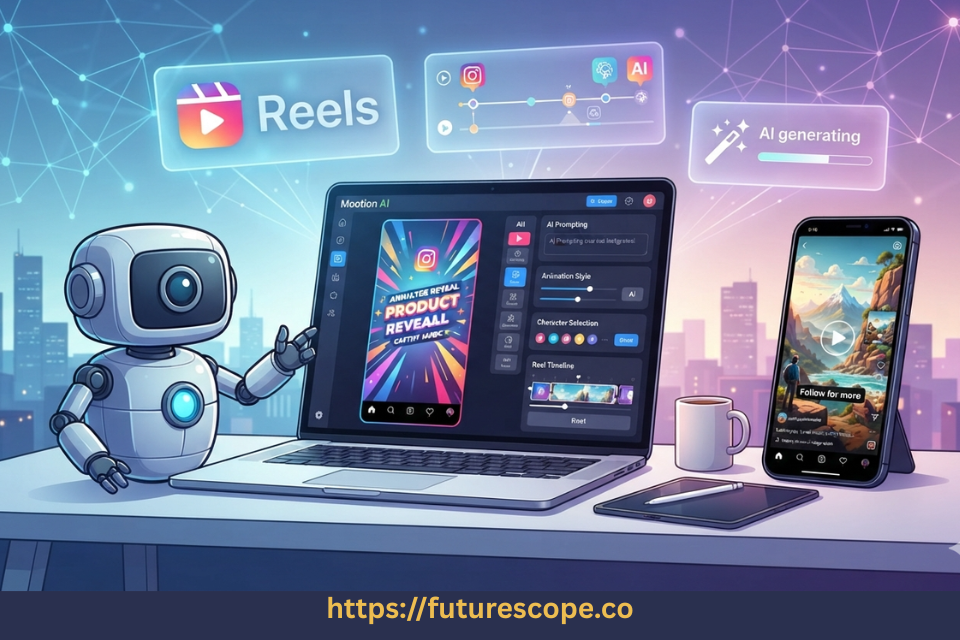

Making a decent Instagram Reel still means juggling a mini production pipeline: an idea, a script, visuals, a voiceover, an edit, captions, music, then squeezing it all into a vertical format on a deadline. AI video tools keep promising to shrink that down to a prompt box, and Mootion AI is one of the more ambitious attempts — turning text, scripts, images, or audio into a full “video story,” scenes and narration included, instead of a single generated clip.
So can Mootion actually make Instagram Reels faster and easier, or is it another AI generator that looks great in a demo and falls apart in a real posting schedule? I went through Mootion’s current AppSumo listing, its official product updates, and verified customer reviews to find out.
Quick Verdict
Mootion is a genuinely capable prompt-to-video generator, and a strong option for creators who want AI to handle scene structure, animation, and storytelling rather than just captioning stock footage. It’s the best fit for educators, faceless-content creators, and small teams making narrative or explainer-style Reels — less so for anyone who wants frame-by-frame timeline control or one-click trend edits. On AppSumo, Mootion holds a 3.8-star rating from 152 reviews, and the lifetime deal is currently sold out with a waitlist, so check availability before you plan around it.
What Is Mootion AI?
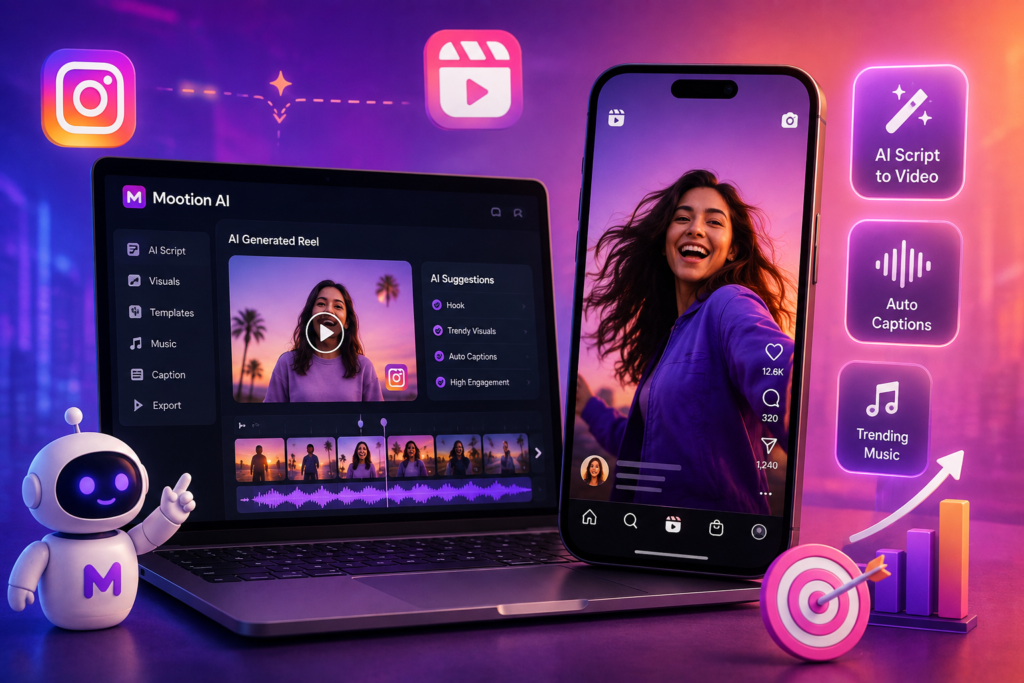
Mootion is an AI video generation platform that turns ideas — prompts, scripts, images, or audio — into complete video stories rather than isolated clips. Founded in 2024 and based in Hong Kong, it’s positioned as an alternative to tools like Descript and Powtoon, built for content creators, educators, and marketers. Instead of opening a blank timeline, you start with an idea; Mootion’s AI plans the structure, pacing, visuals, and narration around it, and you review and adjust before exporting. Recent updates added integrations with newer generation models, including Veo 3.1, Sora 2, Seedance, and WAN 2.6, plus an in-app image editor and an updated character style-consistency engine.
How to Create an Instagram Reel With Mootion?
- Start with a Reel idea, topic, or existing script.
- Enter a prompt, or paste in your script, image, or audio file.
- Let Mootion generate an initial video story, broken into scenes with pacing.
- Review the generated scenes and the visualized “logic flow.”
- Customize visuals, swap scenes, or edit the script where needed.
- Adjust narration — higher tiers unlock more realistic AI voices.
- Export the finished video, watermark-free on paid tiers.
- Crop to 9:16 if needed, add Instagram-native captions, and publish.
Scene generation, pacing, animation, and narration are automated. Choosing the strongest visuals and final formatting for Instagram still benefit from a human pass.
Don’t miss the Mootion AI Lifetime Deal while it’s available!
Boost your content creation workflow with Mootion AI. Perfect for marketers, educators, and content creators looking to scale video production.
Mootion AI for Instagram Reels: Key Features
AI Video Generation, Prompts & Storytelling
A single prompt, script, image, or audio file auto-generates a complete, scene-structured video story rather than a few random seconds of B-roll — better suited to narrative or explainer Reels than a random highlight reel. Projects support up to 16–32 scenes depending on tier, and character/scene consistency has reportedly improved through several 2025–2026 model updates.
Animation
Mootion generates animated characters, movement, and transitions from a single prompt — useful for brand mascots or stylized storytelling that would otherwise require a motion designer.
Editing, Voiceover, and Export
You can regenerate scenes, tweak the script, and edit images inside Mootion. Paid tiers include AI narration, with more realistic voices on higher tiers, and every paid tier exports at 1080p, watermark-free, with commercial-use rights included.
What Makes Mootion Different From Other AI Reel Generators?
Most Reels-focused tools — CapCut, VEED, Canva — start from a template or existing clip and let you edit around it. InVideo AI generates script-driven video but stays close to a stock-footage-plus-voiceover format. Mootion is closer to a story generator: it plans structure, scenes, and pacing before rendering visuals, making it stronger for narrative or animated Reels than quick trend-jacking clips. Runway leans further into raw generative video with more per-clip control but less built-in structure.
Want fast, trend-based Reels from your own footage? CapCut or VEED feel quicker day-to-day. Want an animated or educational story built from scratch? Mootion does more of that planning for you — but treat it as a first-draft generator and finish the polish in a dedicated editor.
Is Mootion Good for Different Types of Instagram Reels?
Educational and Storytelling Reels
Strong fit — arguably Mootion’s best use case, since the scene-by-scene structure suits tutorials, explainers, and narrative content.
Animated and Faceless Reels
Good fit for both — animation suits brand mascots and stylized content, and a full video can be generated from text, images, or audio without ever appearing on camera.
Product, Marketing, and Quote Reels
Workable for a quick draft from a product description, though it needs a branding pass. For pure text-on-background quotes, simpler template tools may be faster.
Mootion AI for Instagram Reels: Pros and Cons
Pros
- Automates storytelling structure, not just clip stitching
- Strong animation and scene-generation capabilities
- Solid option for faceless content creators
- Multi-modal input: text, script, image, or audio
- Watermark-free exports and commercial use on paid tiers
Cons
- AI-generated scenes still need a human review pass
- Credit consumption adds up on longer projects
- Language options more limited than some competitors, per reviews
- Not built for frame-by-frame timeline editing
- AppSumo deal availability fluctuates — currently sold out
👉 Get the Mootion AI Lifetime Deal before the offer ends.
Start creating stunning AI videos today with Mootion AI. See why creators are switching to Mootion AI for faster video production.
Best AI Reel Generators Available on AppSumo
If you’re comparing options before you buy, here’s how Mootion stacks up against other verified AI video tools currently or recently listed on AppSumo.
1. Mootion AI — 3.8/5 (152 reviews) · Sold out
Prompt/script/image/audio to a structured video story with scenes and animation. Best for narrative and educational Reels. Advantage: real storytelling structure. Limitation: credit usage and a learning curve.
2. Vadoo AI — 4.07/5 (168 reviews) · Sold out
Text-to-video with captions, B-roll, and a virality score. Best for faceless and podcast-to-video content. Advantage: auto-posts to Shorts and TikTok. Limitation: credit limits on lower tiers.
3. vidBoard — 4.63/5 (105 reviews) · Sold out
Turns documents, URLs, and text into AI-avatar presenter videos in 125+ languages. Advantage: strong avatar realism. Limitation: presenter-led, not pure animation.
4. Taja — 4.25/5 (228 reviews) · Sold out
Turns one long-form video into multiple platform-ready shorts and posts. Advantage: built-in scheduling. Limitation: needs existing long-form footage.
5. Reelify AI — 4.86/5 (28 reviews) · Active
Local, on-device AI clipping for Apple Silicon Macs, unlimited exports. Advantage: no credit limits, private. Limitation: Mac-only, best with English content.
Quick Comparison Table
| Tool | Best For | Reel Creation | AI Video Generation | Ease of Use | AppSumo Status |
| Mootion AI | Storytelling & animated Reels | From prompt/script/image/audio | Full scene generation | Moderate learning curve | Sold out |
| Vadoo AI | Faceless & viral-style Reels | From text prompts | Text-to-video + B-roll | Beginner-friendly | Sold out |
| vidBoard | Presenter-led marketing videos | From docs/URLs/text | AI avatar generation | Beginner-friendly | Sold out |
| Taja | Repurposing long-form content | From existing video | AI clipping + captions | Beginner-friendly | Sold out |
| Reelify AI | Podcast/interview clipping | From existing video | Local AI clip detection | Beginner-friendly | Active |
Mootion vs Other AI Reel Generators
Against Vadoo AI, Mootion offers deeper storytelling and animation, while Vadoo leans harder into virality scoring and auto-posting. Against vidBoard, Mootion suits animated or narrative content better, while vidBoard wins for a talking AI avatar presenter. Against CapCut or Canva, Mootion automates far more of the creative process, but those tools edit existing footage faster.
Choose Mootion if: you want AI to build a structured video story — scenes, animation, and narration — from a single idea.
Choose Vadoo AI if: you want faster faceless clips with built-in virality scoring and auto-publishing.
Choose vidBoard if: you specifically need a talking AI avatar presenter in multiple languages.
Mootion AI Lifetime AppSumo Deal
Mootion’s AppSumo listing currently shows the deal as sold out, with an option to join the waitlist. When live, it’s structured across four tiers with lifetime access and a 60-day refund window.
- Tier 1: $79 (list $144) — 1,750 monthly credits, 20,000-character prompts, 12GB storage, 16 max scenes, 1080p export
- Tier 2: $139 (list $240) — 3,500 credits, 25GB storage, 32 max scenes
- Tier 3: $299 (list $480) — 8,000 credits, 50,000-character prompts, 115GB storage
- Tier 4: $499 (list $890) — 16,000 credits, 200GB storage
Every tier includes commercial use, multi-modal input, watermark-free export, and AI image editing; higher tiers add prioritized generation and access to models like Veo 3 and Seedance 2.0. Activation is required within 60 days of purchase.
Is Mootion AI Worth Buying for Instagram Reels?
If you regularly post educational, storytelling, animated, or faceless Reels and would rather direct an AI through the structure than build every scene manually, Mootion is worth considering — especially at AppSumo pricing over a subscription. Frequent creators, educators, and small marketing teams get the most value. If your workflow leans on repurposing existing footage or fast trend edits, Taja, Reelify AI, or CapCut likely fit better. The lifetime deal improves the value case when available — join the waitlist since it’s currently sold out.
How to Get Better Instagram Reels With Mootion?
- Start with a strong hook in your first prompt line
- Keep the story focused on one idea per Reel
- Give the AI specific instructions on tone and pacing
- Use shorter scenes to match Reels’ fast attention span
- Review every generated scene before exporting
- Test different hooks rather than trusting the first version
None of this guarantees virality — Mootion speeds up production, but reach still depends on your hook, topic, and posting consistency.
Frequently Asked Questions
Is Mootion AI good for Instagram Reels?
Yes, particularly for storytelling, educational, animated, and faceless Reels.
Can Mootion AI generate Instagram Reels from text?
Yes — a text prompt or script becomes a full video story with scenes, visuals, and narration.
Is Mootion AI suitable for faceless Instagram Reels?
Yes. You can create a complete video from text, images, or audio without appearing on camera.
Can Mootion create animated Instagram Reels?
Yes — animation, including generated characters and transitions, is a core strength.
Is Mootion better than CapCut or InVideo AI for Reels?
Mootion automates more storytelling and scene planning; CapCut is faster for manual edits, and InVideo AI leans toward script-driven, stock-footage video.
What is the Mootion AppSumo lifetime deal?
A one-time payment for lifetime access across four tiers, $79–$499, with a 60-day refund window. It’s currently sold out; a waitlist is available.
Is Mootion AI worth buying?
For creators who want AI-driven storytelling and animation, yes — especially at AppSumo pricing over a recurring subscription.
What is the best AI Reel generator on AppSumo?
No single winner: Mootion leads on storytelling, vidBoard on avatar presenters, and Taja or Reelify AI on repurposing footage.
Cnclusion | Mootion AI Review
Should Instagram creators use Mootion AI for Reels? Mootion is a good choice if you want AI to handle scenes, pacing, animation, and narration for storytelling, educational, or faceless content, and you’re comfortable doing a final editing pass before posting. It may not be ideal if you need frame-by-frame editing control, want to repurpose existing footage, or need the fastest turnaround on trend-based clips. Its 3.8-star AppSumo rating reflects real strengths and real rough edges — check the current listing for availability before planning a workflow around it.
Ready to Try Mootion for Your Next Reel?
If your Reels process still means bouncing between a script doc, a stock footage site, a voiceover app, and an editor, Mootion is worth testing on your next idea. Join the AppSumo waitlist, pick the tier that matches how often you post, and see how much of your next Reel the AI can actually build for you.