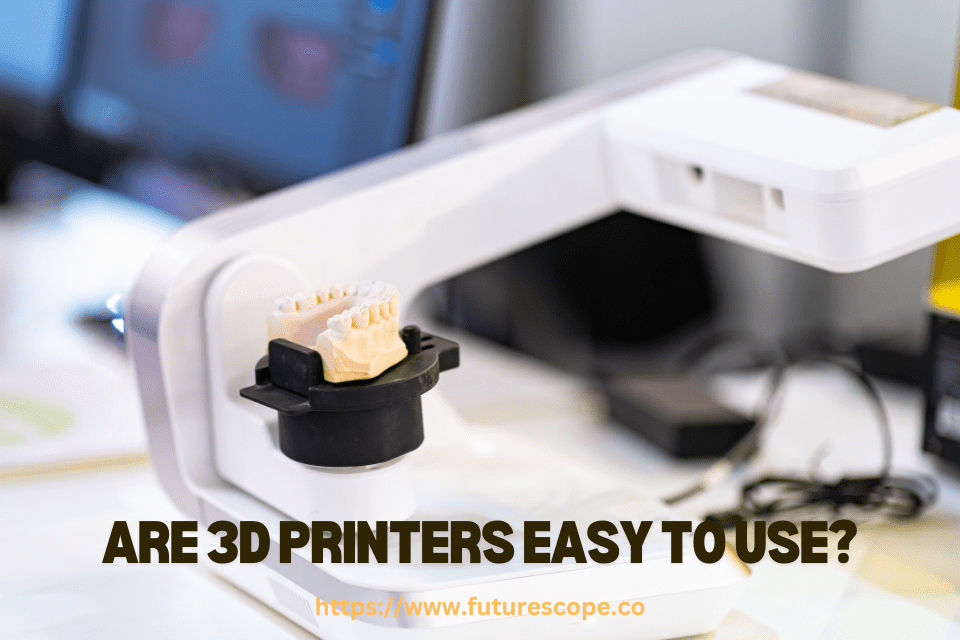

3D printers vary in user-friendliness, with some models designed for simplicity and others requiring technical know-how. Novices may face a learning curve with more complex printers.
Understanding the user-friendliness of 3D printers is crucial for both beginners and seasoned users alike. With the advancement of technology, the market now offers a range of options tailored to various skill levels. Simplified models have emerged, boasting intuitive interfaces that facilitate easier operation and setup.
These user-friendly printers often come with pre-assembled parts, straightforward software, and comprehensive support, making the journey into 3D printing less daunting for new users. Conversely, high-end models that offer advanced features and customizability might present a steeper learning curve and are typically geared towards enthusiasts or professionals with a solid background in 3D printing technology. Prospective buyers should assess their technical aptitude and the intended use to select a 3D printer that aligns with their capabilities and needs.
The Myth Of Plug-and-play 3D Printing, Explored!
Welcome to the exciting world of 3D printing, where the creation of three-dimensional objects from a digital file becomes a tangible reality. Among the many myths surrounding this innovative technology, one stands out: the belief in plug-and-play 3D printing. For many enthusiasts and beginners, the idea of a seamless transition from unboxing a brand-new 3D printer to printing out high-quality objects is appealing – but this is rarely the case. Let’s explore the reality behind setting up and calibrating a 3D printer, and why there’s more to it than simply pushing a button.
Initial Set-up: More Than Just Unboxing
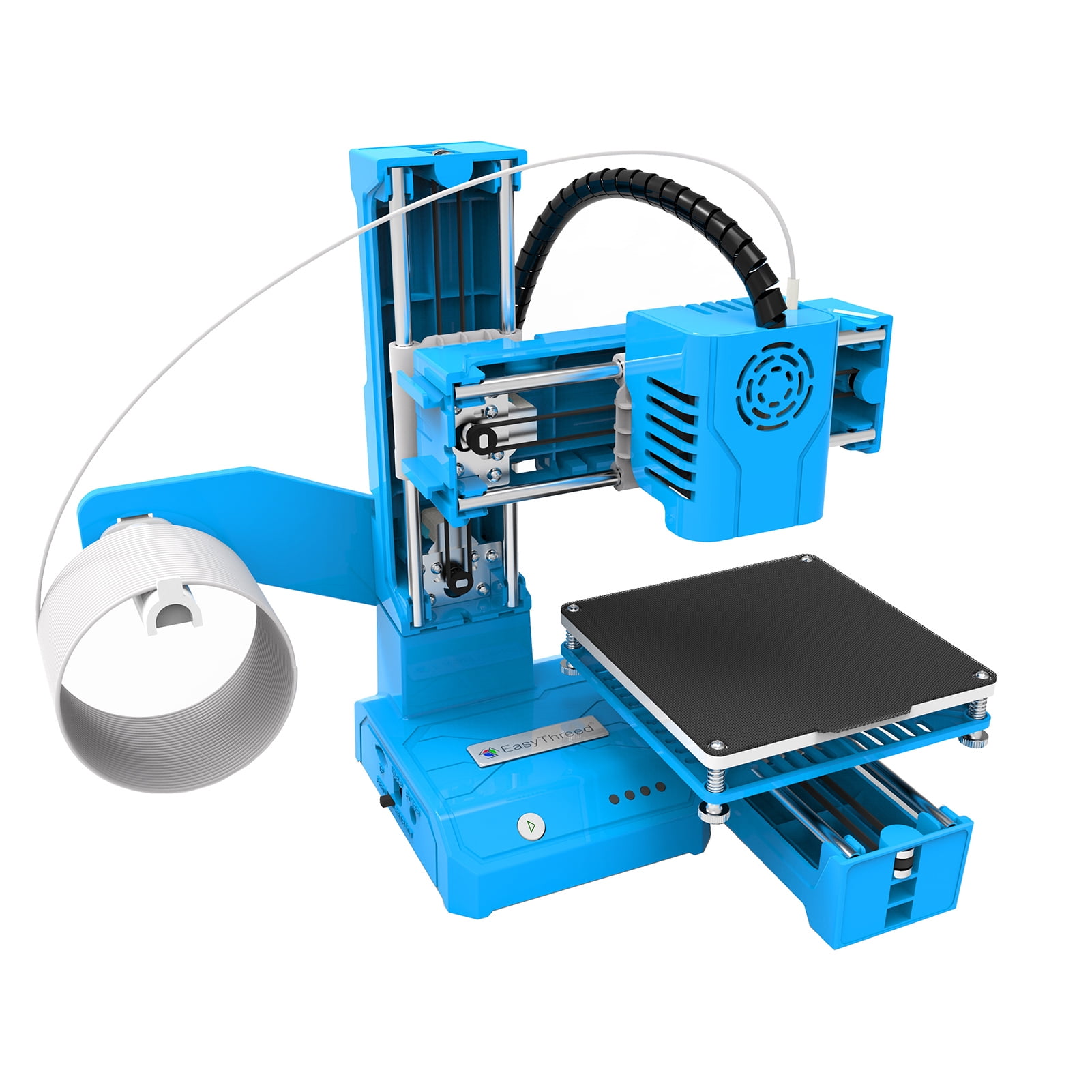
Unwrapping your 3D printer is just the first step of an engaging journey. Assembling the machine often is necessary. Depending on the model, this could range from attaching a few components to practically assembling the entire printer. Be sure to examine the user manual closely. It provides crucial details for a successful set-up.
- Install necessary software on your computer.
- Connect the printer, often via USB or Wi-Fi.
- Select the right filament based on the manufacturer’s recommendations.
- Load the filament properly to avoid issues later on.
Calibration: Key To Quality Prints
The importance of proper calibration cannot be overstated. A well-calibrated printer ensures that prints come out as intended, without warping or inaccuracies. The print bed must be perfectly leveled. This means taking the time to adjust until the surface is just right. Fine-tuning the extruder for proper filament flow is also critical.
- Start with the print bed, checking for levelness across all corners.
- Adjust the tension on the belts.
- Test print movements to avoid collisions.
- Configure software settings like print speed and temperature.
Calibration might need repeats after every few prints or when switching materials. It is a process, not a one-time task.
Navigating The Learning Curve
Embarking on a journey with a 3D printer brings excitement and a dash of challenge. Knowing how these printers work involves a sharp curve. Yet, step by step, beginners can conquer this feat, transforming ideas into tangible objects. Let’s break down the process to make it less daunting.
Mastering 3D Design Software
3D printing starts with a design. Mastering design software stands as your first milestone. The software shapes your creative vision into a 3D model. Choosing the right program depends on your skill level and project needs.
Free options like Tinkercad suit beginners well. These programs offer basic tools and tutorials. Advanced users may opt for software like Blender or AutoCAD. These come with more features but require time to learn.
- Start with simple shapes to understand the basics.
- Progress to complex designs as you gain confidence.
- Use online resources and communities for tips and support.
Understanding Printing Materials And Their Uses
Materials used in 3D printing have their unique characteristics. Some are durable and flexible, while others are rigid and heat-resistant. Let’s explore the most common materials:
| Material | Properties | Uses |
|---|---|---|
| PLA | Eco-friendly, Low melting point | Hobbyist projects, Prototypes |
| ABS | Strong, Withstands higher temperatures | Functional parts, Automotive components |
| PETG | Durable, Water-resistant | Containers, Mechanical parts |
Choosing the right material means understanding the purpose of your print. Match the material to the object’s required strength, flexibility, and resistance.
Test different materials and see how they behave. Keep a log of your print settings and results to refine your technique. Remember, each material has optimal print conditions. A little patience goes a long way here.
Maintenance And Troubleshooting
Keeping a 3D printer in top shape requires regular care. This means understanding maintenance and troubleshooting. In this section, we’ll cover how to do just that.
Routine Care For Longevity
Regular maintenance keeps your 3D printer running smoothly for years. Here’s how to care for your printer:
- Clean the build plate frequently to prevent residue build-up.
- Ensure the filament is free from dust before printing.
- Regularly lubricate the moving parts to avoid wear and tear.
- Check for firmware updates and install them promptly.
Common Printing Issues And Solutions
Issues can crop up with any technology, including 3D printers. Here is a quick guide to common problems and how to solve them:
| Issue | Solution |
|---|---|
| Print not sticking to build plate | Re-calibrate the build plate and check the adhesive surface |
| Filament not extruding | Clean or replace the nozzle and ensure the filament path is clear |
| Prints are warping or cracking | Adjust the printing temperature and ensure proper bed adhesion |
| Layer shifting | Tighten belts and check the printer’s stability during operation |
Community Resources And Support
The world of 3D printing is buzzing with enthusiasts eager to help newbies. No need to struggle alone! Community resources and support can make 3D printing a breeze. These communities offer guidance, share knowledge, and provide practical solutions for challenges you may face. Let’s dive into the vast ocean of support available to make your 3D printing journey smooth and enjoyable!
Online Forums And Tutorials
The internet is a goldmine for 3D printing knowledge. Here’s how you can tap into it:
- Join online forums dedicated to 3D printing and become part of the conversation.
- Explore threads discussing common issues and how to fix them.
- Watch tutorials on platforms like YouTube to get visual, step-by-step assistance.
These resources are invaluable for troubleshooting and mastering new skills quickly and efficiently.
Leveraging Maker Spaces For Hands-on Experience
Nothing beats real-world experience.
Find a local makerspace where you can:
- Interact with experienced hobbyists and professionals.
- Use 3D printers and learn about different materials and techniques.
- Attend workshops or classes to enhance your skill set.
Maker spaces are perfect for networking and finding mentors who can guide you through the learning process.

Frequently Asked Questions On Are 3D Printers Easy To Use?
Can A Beginner Use A 3D Printer?
Yes, beginners can use a 3D printer as many models offer user-friendly interfaces and straightforward instructions, making the learning process manageable.
What Kind Of 3D Printer Should I Buy For Beginners?
For beginners, consider an entry-level FDM 3D printer for ease of use, affordability, and strong community support. Brands like Creality Ender 3 and Anycubic i3 Mega offer reliable options.
How Long Does It Take To Use A 3D Printer?
The time to use a 3D printer varies widely, typically ranging from hours to days, depending on the model’s complexity, size, and the printer’s speed.
What Are The Disadvantages Of A 3D Printer?
Disadvantages of 3D printers include high initial costs, slow production speeds, limited material compatibility, and potential intellectual property issues. They can also require significant technical knowledge to operate effectively.
Conclusion
Navigating the world of 3D printing isn’t daunting anymore. With user-friendly interfaces and extensive online support, beginners are finding it increasingly accessible. Mastery requires practice, but the learning curve is becoming less steep. Embrace the challenge and enjoy the creative freedom 3D printers offer.
Your maker journey starts with a single print.