How to Add Apps to Your Discord Server?

How to Add Apps to Your Discord Server

Add apps to your Discord server by clicking on the App Directory in the drop-down menu, selecting the desired app, clicking “Add to Server,” choosing the server, and authorizing it. Discord server admins can easily add apps to enhance their…

How to Fix Youtube Playback Error?

How to Fix Youtube Playback Error

To fix the YouTube playback error, restart your browser and clear browser cookies and cache if the issue persists. Are you experiencing trouble playing videos on YouTube? If you’re encountering a playback error, you’re not alone. Many users face this…

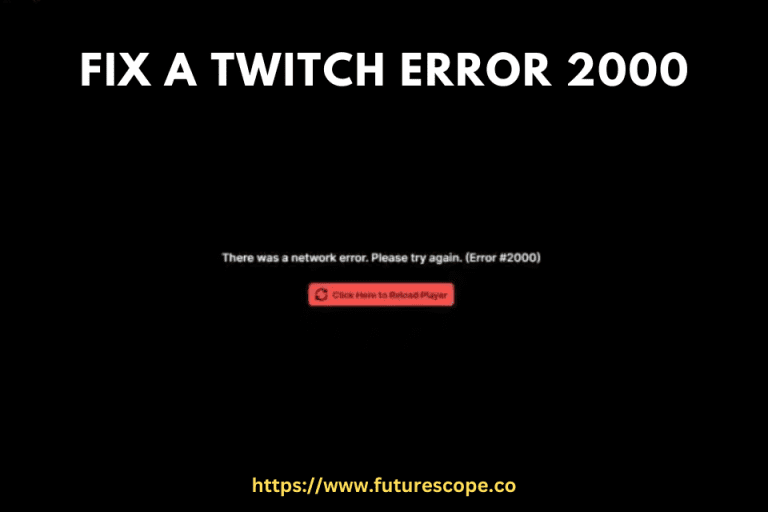
How to Fix a Twitch Error 2000?

How to Fix a Twitch Error 2000

To fix Twitch Error 2000, troubleshoot your internet connection and flush DNS. Additionally, clear your browser cache and try using OperaGX as an alternative browser solution. Twitch Error 2000 can be resolved by addressing network issues and refreshing your browser…

How to Delete a Snapchat Account?

How to Delete a Snapchat Account

To delete a Snapchat account, log in to the Snapchat accounts portal, tap on “Delete My Account,” input your password, and then confirm the account deactivation/deletion by tapping “Continue.” If you’re looking to permanently delete your Snapchat account, follow these…

How to Watch Twitch on Roku?

How to Watch Twitch on Roku

To watch Twitch on Roku, you can reinstall the official Twitch app by visiting your Roku account webpage, clicking on “Add channel with a code,” and entering the code “twitchtv.” Another method is to use screen mirroring with an Android…

How to Clear Your Instagram Cache?

How to Clear Your Instagram Cache

To clear your Instagram cache on an iPhone, go to Settings > General > iPhone Storage > Instagram. From there, you can choose to “Offload App” or “Delete App” to free up space and clear the cache. Clearing the Instagram…

How to Recover a Hacked Snapchat Account?

How to Recover a Hacked Snapchat Account

To recover a hacked Snapchat account, use the “Forgot your password” option or reach out to the Snapchat team with the necessary details for assistance. Signs of a hacked account may include unusual activity, new unknown friends, changed profile name,…

How to Hide And Unhide Songs on Spotify?

How to Hide And Unhide Songs on Spotify

Spotify offers a massive library of music, but not every track suits everyone’s taste — especially within curated playlists or recommended mixes. Fortunately, Spotify gives users the ability to hide or unhide songs to personalize their listening experience without permanently…