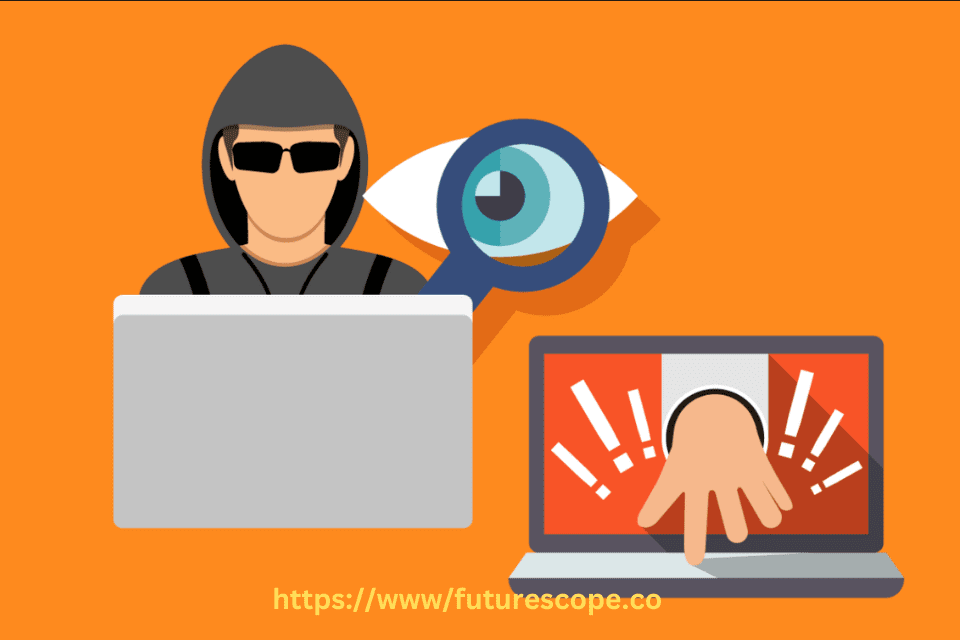

In today’s digital age, where most of our personal and financial activities happen online, cybercriminals are constantly developing new tools to steal sensitive data. One of the most dangerous and silent threats among them is the keylogger. Hackers use keyloggers to steal information such as passwords, credit card numbers, banking credentials, personal messages, and more—without you even noticing.
Keyloggers are tools that record every keystroke on your computer They come in two main types: software, which can be secretly installed via emails, and hardware, which requires physical access to your device. This makes them a sneaky way for cybercriminals to access your data without you noticing.
In this detailed blog post, we’ll explain how hackers use keyloggers to steal information, the different types of keyloggers, and how to protect yourself against them.
What Is a Keylogger?
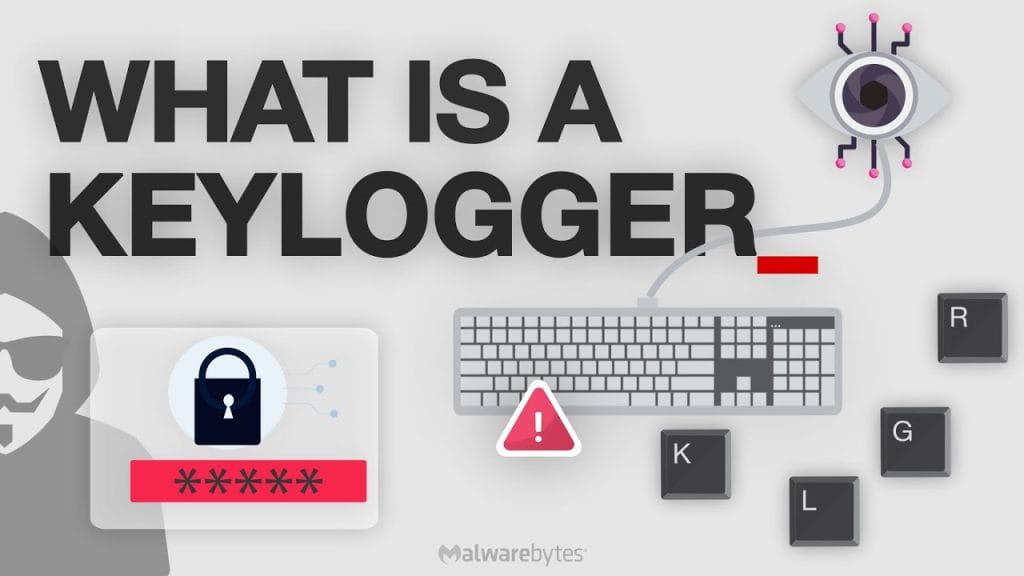
A keylogger, short for keystroke logger, is a type of surveillance software or hardware designed to record every keystroke made on a device. Hackers use keyloggers to secretly capture and collect typed data from unsuspecting users. Once installed on a victim’s computer or smartphone, keyloggers operate silently in the background, logging everything from search queries to login credentials and sending it back to the attacker.
How Hackers Install Keyloggers?
Hackers use various methods to install keyloggers on target devices, often tricking users into downloading or executing them:
- Phishing Emails: A common method where hackers send fake emails with malicious attachments or links. Once clicked, the keylogger is installed.
- Trojan Software: Hackers often disguise keyloggers within free software, cracked apps, or fake updates.
- Drive-by Downloads: Simply visiting a compromised website can result in a keylogger silently being downloaded onto your device.
- USB Drop Attacks: Some attackers use physical USB devices loaded with keyloggers, which auto-install malware when plugged into a computer.
- Infected Public Computers: Keyloggers are sometimes installed on public/shared systems like internet cafés, hotel lobbies, or library PCs.
Types of Keyloggers
There are two main types of keyloggers that hackers use:
a) Software Keyloggers
These are programs installed on your device that run in the background, recording keyboard activity. They can also capture:
- Clipboard content
- Screenshots
- Online form submissions
- Login credentials in browsers
Some advanced software keyloggers can even bypass antivirus detection and mask themselves as legitimate programs.
b) Hardware Keyloggers
These are physical devices attached to a computer—usually between the keyboard and the CPU. They’re harder to detect unless you physically inspect the device. More sophisticated models can even be built into keyboards or hidden inside USB drives.
Here’s a table comparing software and hardware keyloggers based on deployment methods and associated risks:
| Aspect | Software Keyloggers | Hardware Keyloggers |
| Installation Method | Phishing, malicious downloads, vulnerability exploitation | Physical attachment, requires device access |
| Detection Difficulty | Can be detected by antivirus software | May require physical inspection |
| Risk Level | High, can spread rapidly via internet | Moderate, limited by physical access |
| Data Captured | Keystrokes, screenshots, clipboard data | Keystrokes, stored locally for retrieval |
| Example of Attack | Snake Keylogger via PDF emails (2022) | Soviet spy keylogger on typewriters (1970s) |
This table, derived from various sources including CrowdStrike: Keyloggers: How They Work & How to Detect Them and Wikipedia: Keystroke logging, helps users understand the distinct challenges posed by each type.
What Information Do Hackers Steal Using Keyloggers?
Once installed, keyloggers can extract a wide range of sensitive information, including:
- Usernames and Passwords (for emails, social media, online banking)
- Credit and Debit Card Details (while shopping online)
- Banking Credentials (including two-factor authentication codes in some cases)
- Private Messages and Emails
- Workplace Confidential Data (in the case of corporate espionage)
- PINs and Security Answers
Real-World Impact:
A keylogger installed on a CEO’s computer can potentially expose business-critical financial information, trade secrets, and client data—all without raising suspicion.
Signs That Your Device Might Be Infected with a Keylogger
Keyloggers are designed to stay hidden, but there are some warning signs that could indicate infection:
- Sluggish system performance
- Strange error messages
- Unusual cursor movement or keyboard lag
- Suspicious background processes in task manager
- Increased CPU or memory usage without reason
However, many advanced keyloggers leave no noticeable trace, making proactive protection your best defense.
Real-World Examples
Notable cases include the Ghost Keylogger from 2000, affecting users globally, and the DarkHotel malware targeting hotel Wi-Fi to install keyloggers. More recently, in May 2022, the Snake Keylogger spread via emails with malicious PDF attachments, showing how these threats evolve.
Keyloggers have been implicated in numerous high-profile cyber attacks, illustrating their impact and evolution. The Ghost Keylogger, discovered in 2000, was an early software keylogger affecting individual users and small businesses globally, recording keystrokes and sending data to hackers, as detailed in SoftwareLab: Keylogger Types. Another example is the DarkHotel malware, which targeted business travelers by compromising hotel Wi-Fi networks, prompting users to download software that installed a keylogger, stealing sensitive information, as mentioned in CrowdStrike: Keyloggers: How They Work & How to Detect Them. Historically, in the 1970s, Soviet spies developed a hardware keylogger targeting IBM Selectric typewriters in US embassies, transmitting typed characters via magnetic detection, showcasing early espionage tactics, according to Wikipedia: Keystroke logging. More recently, in May 2022, the Snake Keylogger returned to the top ten malware list, spreading through emails with malicious PDF attachments, adapting to security changes like Microsoft’s blocking of internet macros, as reported by Check Point Software: May 2022’s Most Wanted Malware. These examples highlight the persistent and evolving threat of keyloggers.
How to Protect Yourself From Keyloggers?
✅ Use a Reliable Antivirus & Anti-Malware Program: Make sure your device is protected by up-to-date security software that can detect and remove keyloggers.
✅ Enable Two-Factor Authentication (2FA): Even if a hacker captures your password, they won’t be able to access your account without the second verification step.
✅ Avoid Downloading From Untrusted Sources: Only install software from reputable websites or official app stores.
✅ Be Cautious With Emails and Attachments: Don’t click on suspicious links or download files from unknown senders.
✅ Use On-Screen or Virtual Keyboards for Sensitive Transactions: This can sometimes bypass keyloggers that track physical keystrokes.
✅ Check USB Devices Before Use: Avoid using unknown or unverified USB drives, especially on work devices.
✅ Regularly Update Your Operating System and Software: Security patches help close vulnerabilities that hackers exploit.
✅ Use a Password Manager: These tools auto-fill credentials, helping you avoid typing them out and reducing exposure to keyloggers.
How Businesses Can Protect Their Systems?
Keyloggers pose a serious threat to businesses as well. Organizations can take the following steps:
- Enforce endpoint protection with regular monitoring
- Train employees on phishing awareness and cybersecurity best practices
- Implement access control and privilege management
- Monitor network traffic for unusual behavior
- Use centralized logging to detect unauthorized data transfers
Conclusion
Keyloggers represent a significant cybersecurity threat, capable of stealing sensitive information through both software and hardware means. The evolution of attacks, as seen with the Snake Keylogger adapting to use PDF attachments in 2022, underscores the need for continuous vigilance. By understanding how hackers deploy keyloggers and the data at risk, users can adopt protective measures like antivirus software, cautious online behavior, and two-factor authentication. This comprehensive approach ensures a robust defense against these insidious tools, safeguarding personal and organizational data in an increasingly connected world.
Stay safe online by practicing good cyber hygiene, using reliable security tools, and remaining alert to the signs of infection. Prevention is always better than cure when it comes to cybersecurity.